
The 12 Best Apps for Recipe Organization in 2025
John the smoothie monster
John lives for smoothie bowls and cold-pressed juices. He uses Savor to remember his best blends.
Your collection of family recipes, saved links, and scribbled notes deserves a better home than a chaotic browser folder. In the world of cooking, organization...
Your collection of family recipes, saved links, and scribbled notes deserves a better home than a chaotic browser folder. In the world of cooking, organization is the difference between a joyful meal and a stressful scramble. The right digital tool can transform how you plan, shop, and cook, turning a cluttered collection into a powerful, searchable personal cookbook. But with so many options, which one fits your specific needs?
This guide cuts through the noise to highlight the very best apps for recipe organization, focusing on practical features, real-world use cases, and how each tool can support your unique culinary journey. While these apps excel at managing the instructions, a different kind of app is needed to capture the experience—the memories, tastes, and stories behind each dish.
We'll explore solutions for serious meal planners, family collaborators, and solo cooks, ensuring you find the perfect fit to manage your recipes and celebrate your food memories. Each recommendation includes screenshots, direct links, and a clear breakdown of who it’s best for, so you can make a confident choice and get back to what matters: cooking and sharing great food.
1. Paprika Recipe Manager
Paprika Recipe Manager is a powerhouse for serious home cooks seeking one of the best apps for recipe organization without a recurring subscription. Its longevity in the market means it’s a stable, feature-rich tool designed to handle every part of the cooking lifecycle, from discovery to the dinner table. The app’s built-in browser excels at clipping recipes from virtually any website with a single tap, intelligently parsing ingredients and directions into a clean, uniform format.
Its key strength lies in its practical kitchen-focused tools. Users can scale servings, convert units, create smart grocery lists organized by aisle, and track pantry inventory. During cooking, the distraction-free mode keeps your screen on and focused solely on the recipe. Paprika is a fantastic system for the "how-to" of cooking. For capturing the "how it went," a dedicated food diary app can help you track the results, rate the dish, and remember what you’d change next time.
Key Details & Pricing
- Best For: Dedicated home cooks who want a robust, one-time purchase system and powerful offline capabilities.
- Pricing: Sold separately for each platform (iOS, macOS, Android, Windows). Expect to pay around $4.99 for mobile and $29.99 for desktop versions.
- Pros: No subscription fees, excellent recipe clipper, strong meal planning and grocery list features.
- Cons: The pay-per-platform model can be costly for multi-device users; there is no full-featured web app for access.
Website: https://www.paprikaapp.com
2. AnyList
AnyList shines as a master of shared lists, making it a top contender among the best apps for recipe organization, especially for families and partners. While its core strength is its best-in-class grocery list functionality, it seamlessly integrates a clean, accessible recipe box. Its web importer allows you to clip recipes from most popular websites, which are then automatically available for meal planning and shopping list creation. The app’s standout feature is its near-instantaneous and reliable sync across all devices.
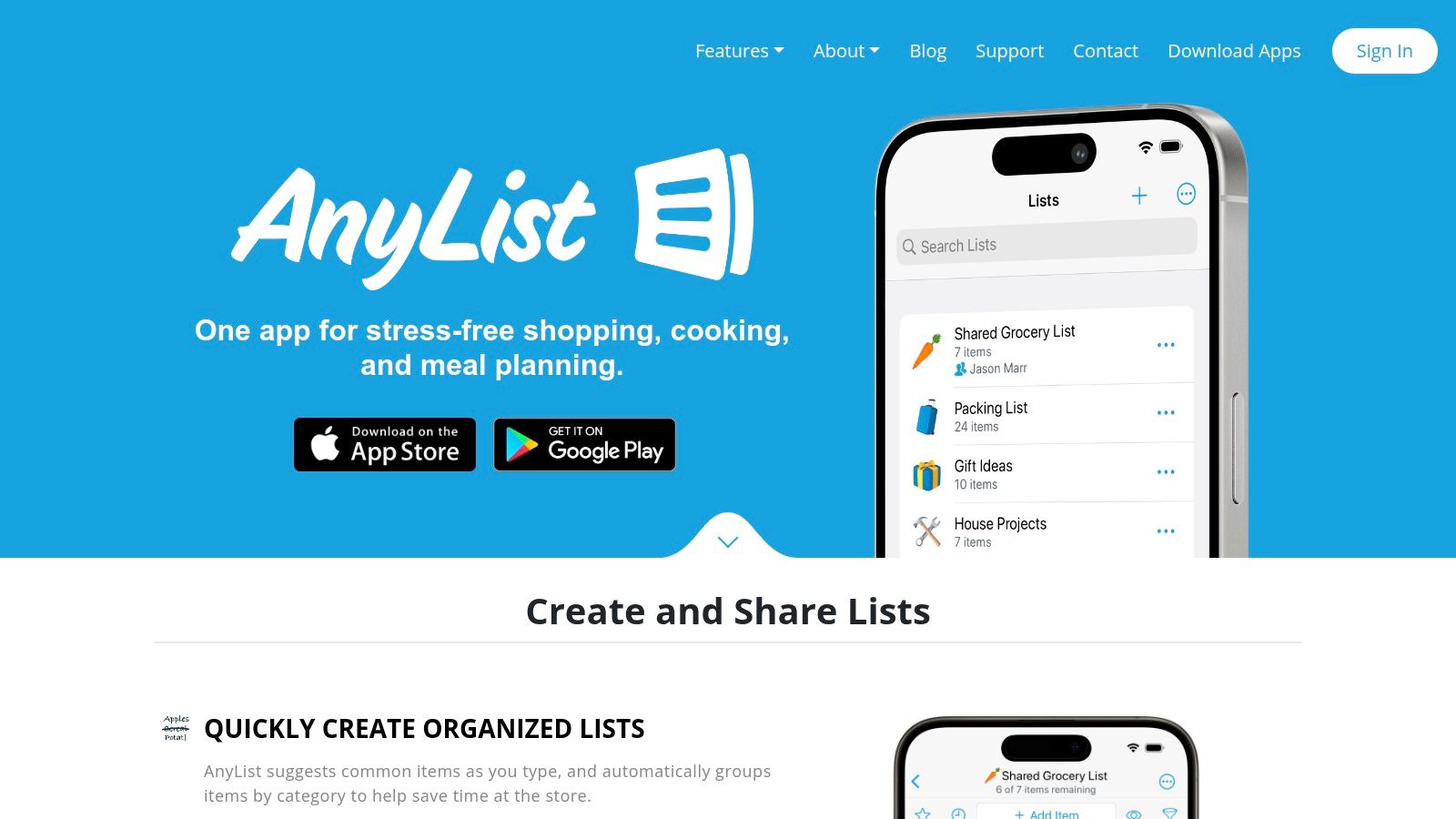
This platform is engineered for collaboration. You can add ingredients from a recipe to your shared shopping list with a single tap, and the list automatically categorizes items by aisle. The calendar-based meal planner is straightforward, allowing you to assign recipes to specific dates and see your week at a glance. For households that need a unified system for meal planning and shopping, AnyList’s focused, practical approach is hard to beat, removing friction from the weekly "what's for dinner" debate.
Key Details & Pricing
- Best For: Families and couples who need a flawlessly synced grocery list, meal planner, and recipe holder in one.
- Pricing: Free basic version; AnyList Complete is required for recipe import, meal planning, and other key features, available for $9.99/year (Individual) or $14.99/year (Family).
- Pros: Exceptional real-time list sharing and syncing, simple and clean recipe viewing mode, excellent cross-platform support.
- Cons: Core recipe and meal planning features are behind a subscription paywall; pantry tracking is less detailed than in dedicated apps.
Website: https://www.anylist.com
3. Samsung Food (formerly Whisk)
Samsung Food, which evolved from the popular app Whisk, is an ambitious, all-in-one platform aiming to connect every part of your culinary life. It excels as one of the best apps for recipe organization by integrating recipe saving, meal planning, and even smart appliance control into a single ecosystem. Its browser extension and in-app tools make it simple to clip recipes from any website, automatically organizing them into a uniform, easy-to-read format for your collection.
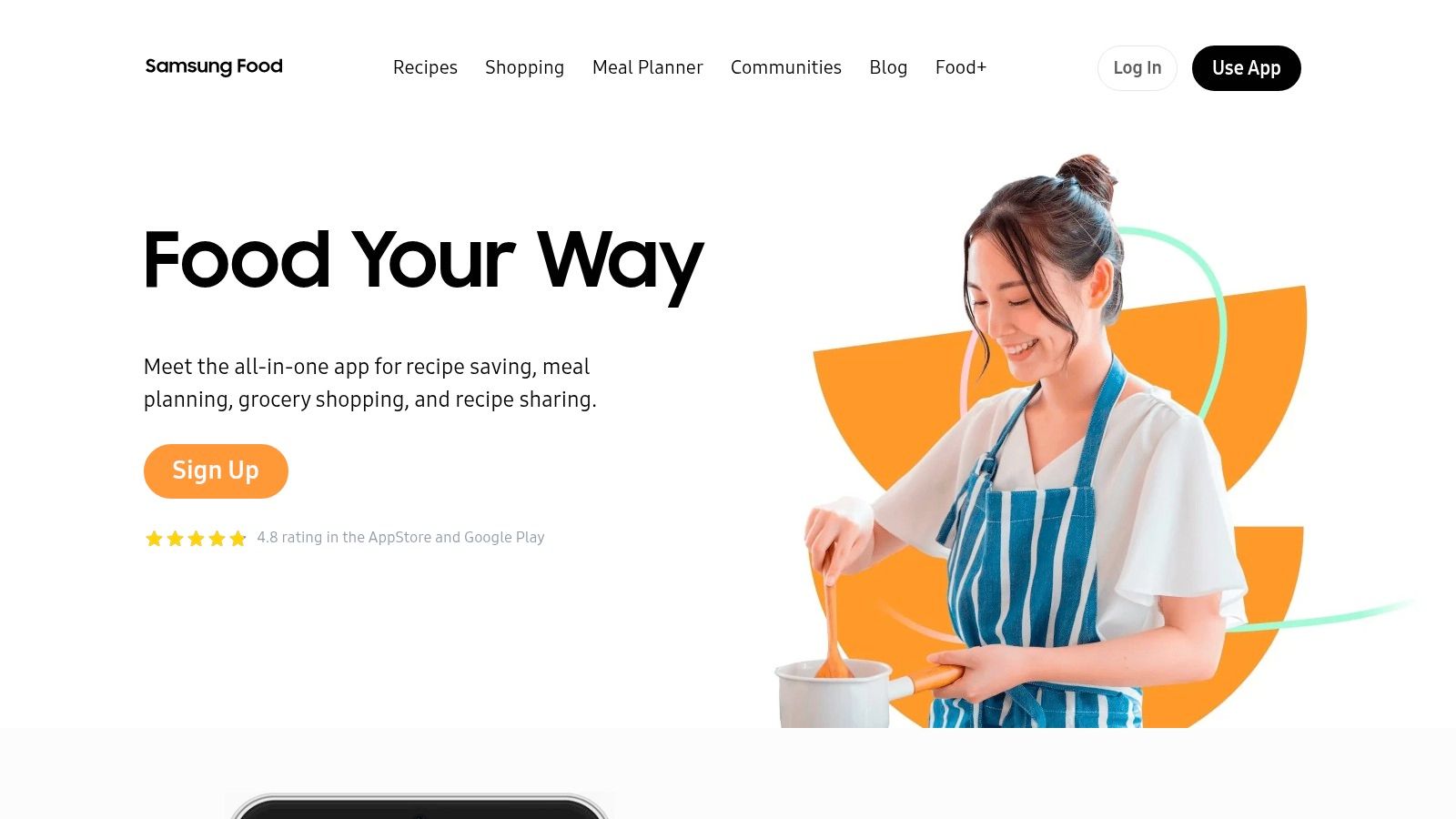
The platform’s standout feature is its deep integration with the Samsung ecosystem, including Samsung Health for nutrition tracking and SmartThings for controlling connected kitchen appliances. It also features AI-powered tools, such as Vision AI for scanning pantry items to generate an inventory, and offers personalized meal plans based on your dietary preferences. These forward-thinking features position Samsung Food as a powerful hub for tech-savvy home cooks who want a connected kitchen experience.
Key Details & Pricing
- Best For: Tech-savvy cooks, especially those invested in the Samsung ecosystem, who want an AI-driven, all-in-one meal planning and smart home hub.
- Pricing: Free for most core features. A Samsung Food+ subscription is available (around $4.99/month) for advanced AI personalization and nutrition analysis.
- Pros: Strong recipe clipper and community features, deep smart home and health app integrations, innovative AI for inventory and meal planning.
- Cons: Some of the most advanced features are behind a subscription, and the rebrand from Whisk can sometimes cause confusion.
Website: https://samsungfood.com
4. Plan to Eat
Plan to Eat shifts the focus from simple recipe collection to a robust, planner-first system. It is one of the best apps for recipe organization for those who prioritize meal prep and family scheduling. The platform excels at transforming your saved recipes into a structured weekly or monthly meal plan, which then automatically generates a smart, categorized shopping list. Its core strength is connecting the entire meal lifecycle, from recipe import to planning and purchasing.
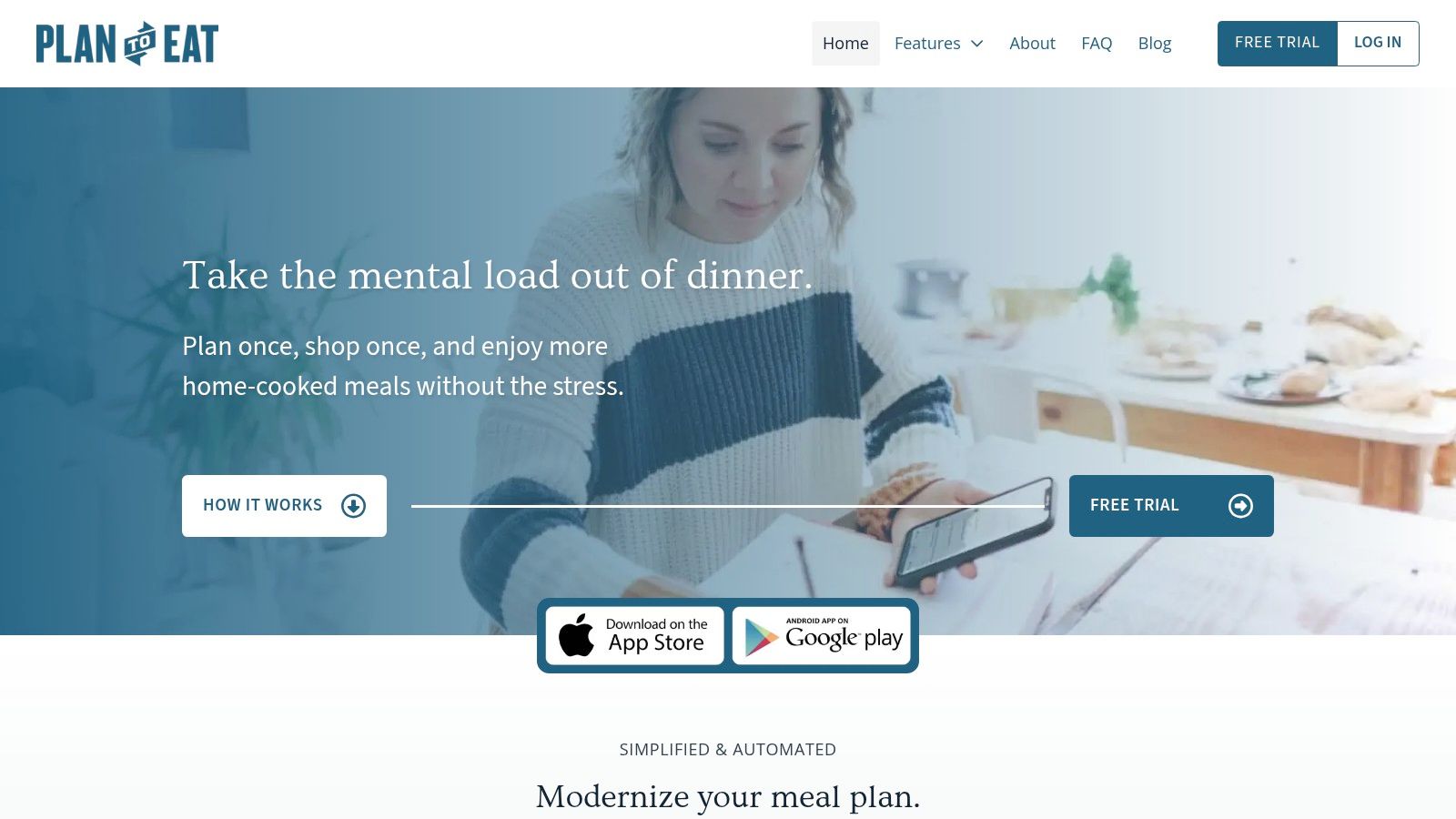
The drag-and-drop meal calendar is intuitive for batch planning, making it ideal for busy families looking to streamline their kitchen routine. It’s built for action, turning your recipe collection into a clear, actionable weekly guide. This strategic approach is perfect for managing the logistics of cooking. For capturing the memories that come from those planned meals—like a family holiday dinner or a week of solo travel eats—a private food diary helps you document the experience itself. Plan to Eat also stands out with a clear privacy policy, stating they never sell user data or use ads.
Key Details & Pricing
- Best For: Serious planners and families who want an all-in-one tool for meal scheduling and grocery list creation.
- Pricing: Subscription-based at $5.95/month or $49/year, with a free 14-day trial.
- Pros: Excellent meal planning and calendar features, automated grocery lists, and a strong user privacy stance.
- Cons: No permanent free plan; the planner-centric interface requires more initial setup than other recipe apps.
Website: https://www.plantoeat.com
5. Recipe Keeper
Recipe Keeper offers a straightforward and accessible approach to digital recipe management, making it a strong contender for home cooks who appreciate a try-before-you-buy model. Its clean interface simplifies importing recipes from websites, and a standout feature is its ability to scan photos of physical recipes from books or handwritten cards using OCR technology. This function is particularly useful for digitizing cherished family dishes, preserving the instructions for generations to come.
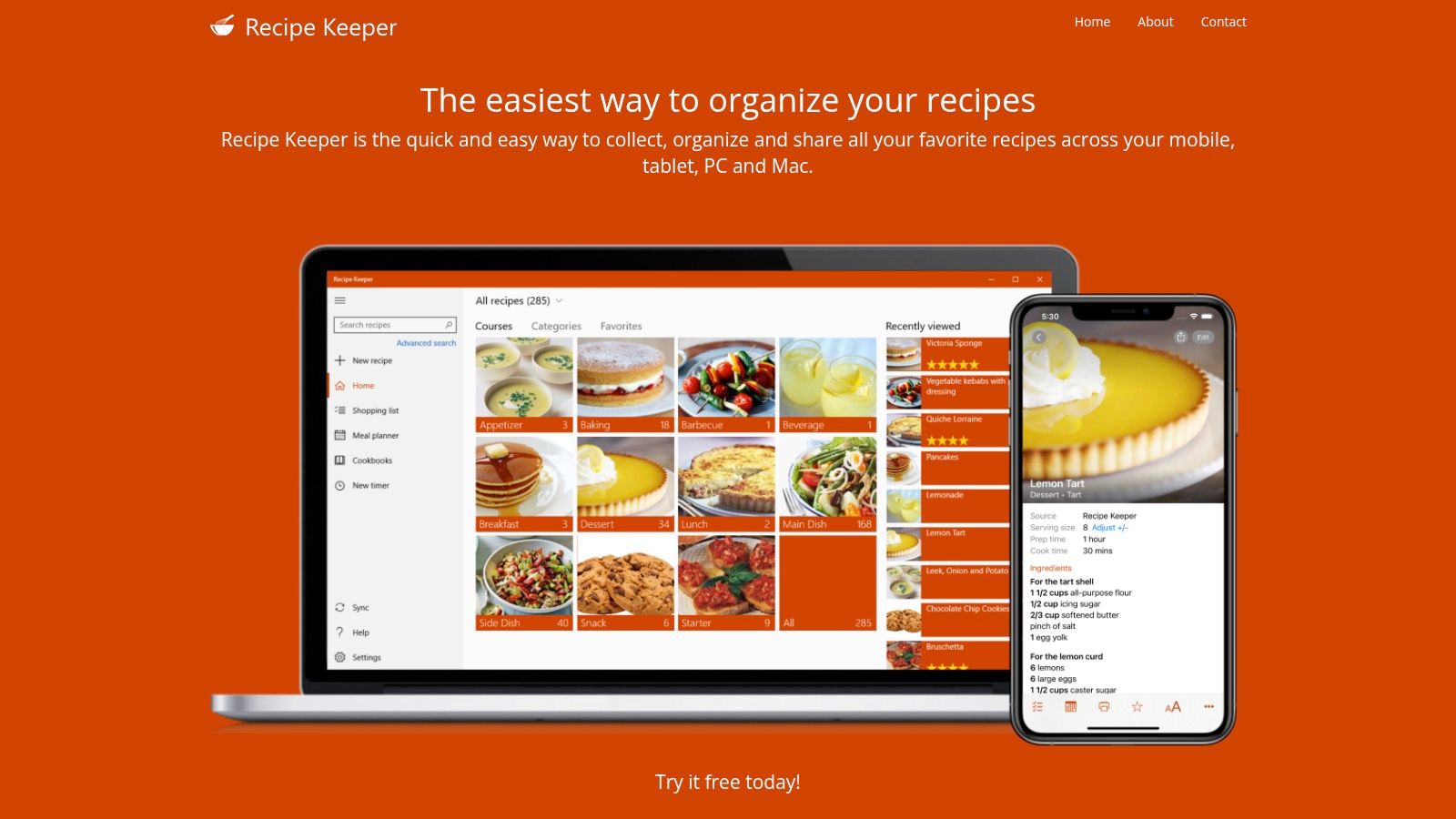
The platform provides solid meal planning and shopping list tools that sync reliably across all supported devices, including iOS, Android, Windows, and Mac. While it may not have the deep pantry tracking or nutritional analysis of some competitors, its simplicity is its strength. For cooks seeking one of the best apps for recipe organization without a subscription and with an easy entry point, Recipe Keeper's one-time purchase model for its full features is highly appealing.
Key Details & Pricing
- Best For: Users who want to digitize physical recipe cards and prefer a simple, one-time purchase app with a free trial.
- Pricing: Free to download and store up to 20 recipes. A one-time in-app purchase unlocks unlimited recipes. Pro features like web import and scanning are also a one-time purchase, sold per platform (around $11.99).
- Pros: Generous free trial, excellent OCR for scanning physical recipes, reliable cross-platform sync.
- Cons: Licenses are sold per platform, which can become costly; lacks advanced analytics for nutrition or pantry management.
Website: https://recipekeeperonline.com
6. Mela
Mela is a beautifully designed, Apple-exclusive recipe manager that prioritizes speed, elegance, and seamless integration into the Apple ecosystem. Developed by an indie creator, it offers a clean, ad-free experience focused purely on collecting and organizing your recipes. Its standout feature is the "Feeds" function, which lets you subscribe to your favorite food blogs via RSS and automatically pulls new recipes into the app, making it one of the most streamlined options for digital recipe discovery.
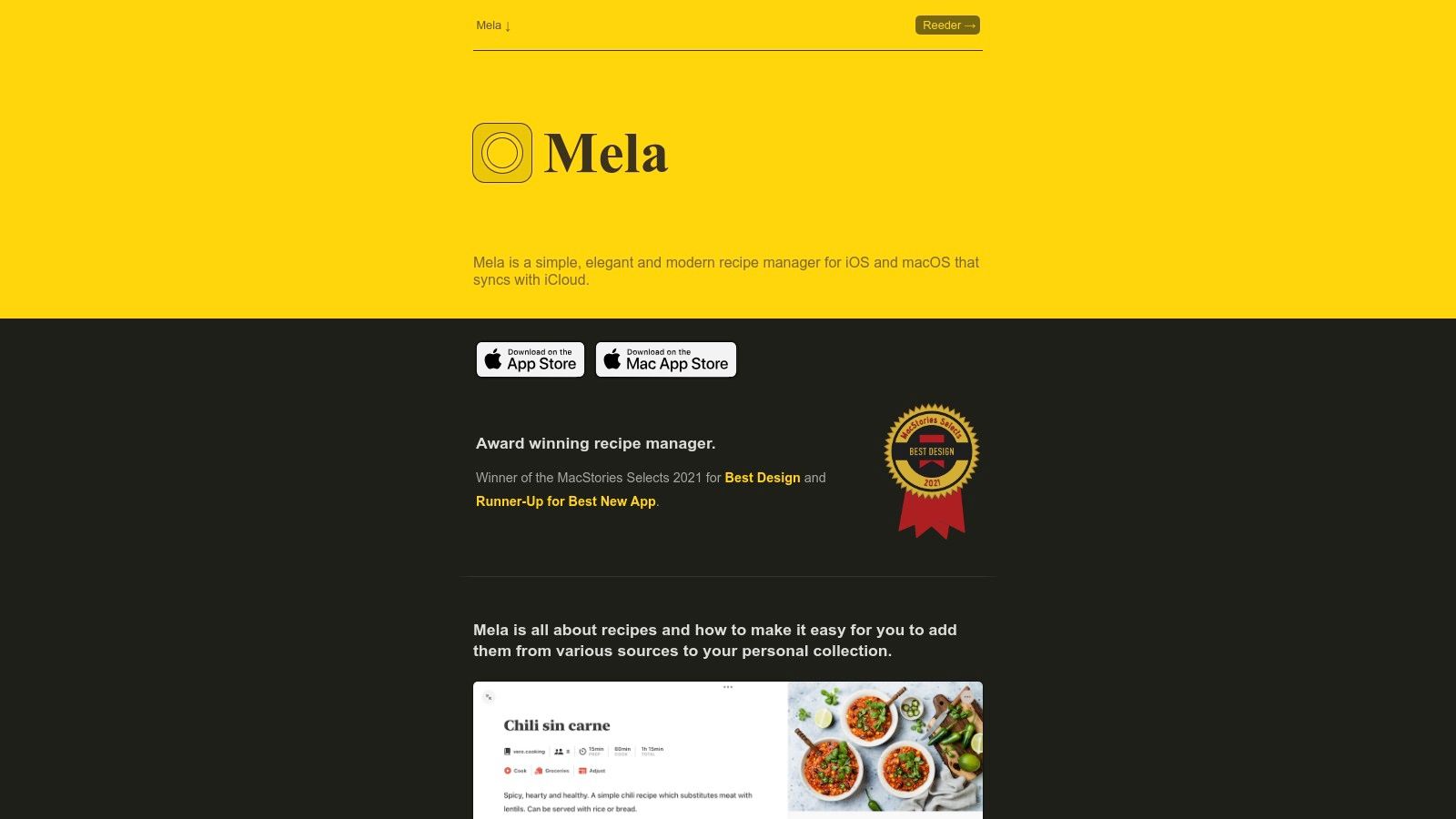
The app’s web clipper is exceptionally fast and accurate, parsing recipes from websites with a live preview so you can see exactly what you’re saving. Mela syncs instantly across iPhone, iPad, and Mac using iCloud, and recent updates have added support for shared libraries, making it a great choice for families using Apple devices. The focused cooking mode and thoughtful user interface make it a joy to use in the kitchen, solidifying its place among the best apps for recipe organization for those invested in Apple hardware.
Key Details & Pricing
- Best For: Apple users who want a visually stunning, one-time purchase app with powerful RSS-based recipe discovery.
- Pricing: A single universal purchase of around $4.99 covers the app on iPhone, iPad, and Mac.
- Pros: Elegant and intuitive UI, excellent Apple ecosystem integration and iCloud sync, unique RSS feed feature for auto-importing.
- Cons: Exclusive to iOS and macOS with no Android, Windows, or web version available.
Website: https://mela.recipes
7. OrganizEat
OrganizEat is designed for speed and convenience, positioning itself as a "no-typing-needed" recipe keeper perfect for the modern, digitally-savvy cook. Its standout feature is the incredibly fast capture from a variety of sources, including over 200 popular websites, social media platforms like Instagram and TikTok, and even physical documents. For those cherished handwritten family recipes or favorites from a cookbook, the app’s photo scanning feature uses OCR to digitize them effortlessly.
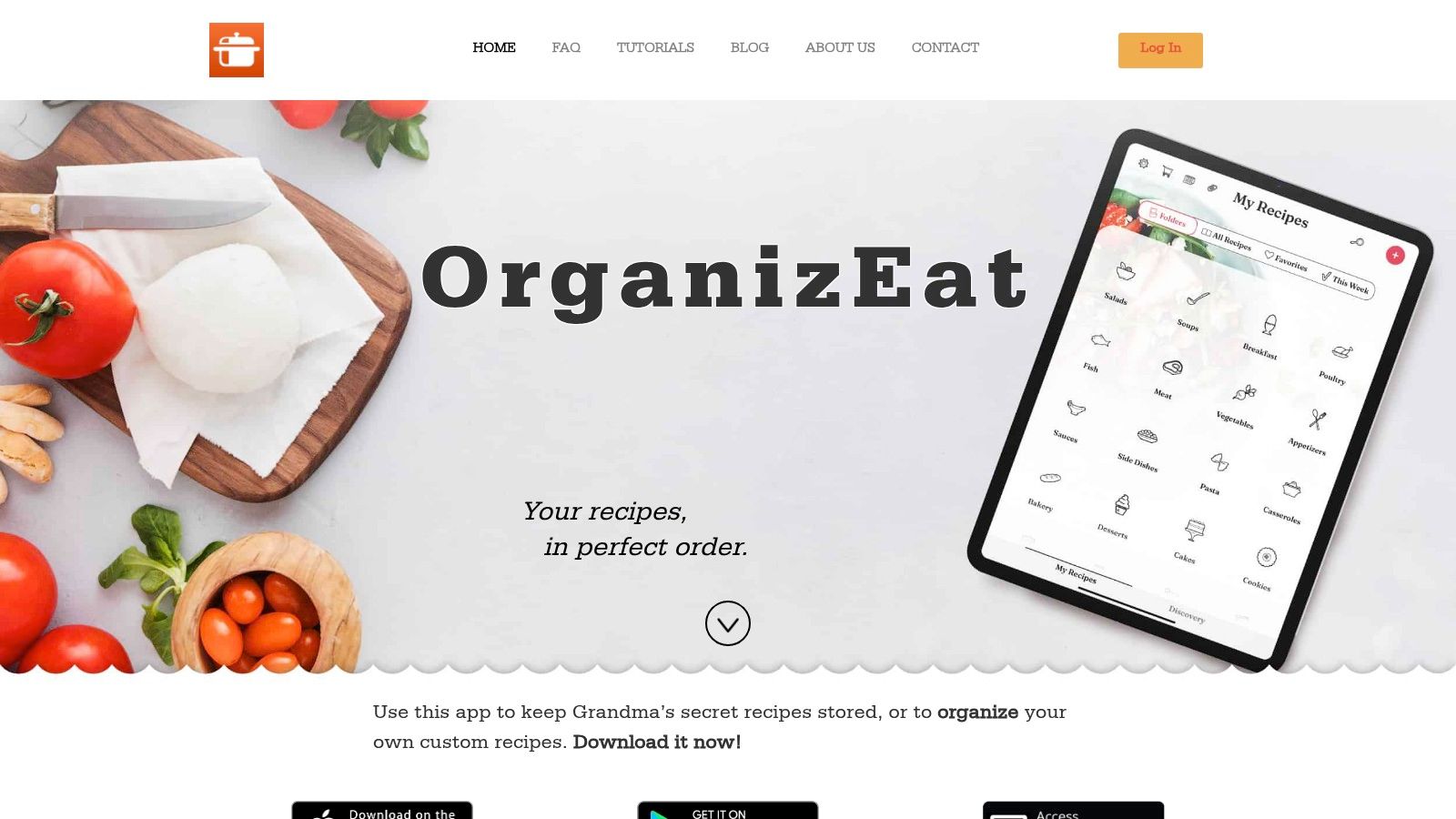
This focus on rapid, multi-format import makes OrganizEat one of the best apps for recipe organization for users who gather inspiration from everywhere. The app simplifies the entire process, from saving a viral video recipe to creating a meal plan and generating a grocery list. Its clean interface and straightforward folder and tag system make finding what you need simple, while the cooking mode ensures your screen stays awake while you work.
Key Details & Pricing
- Best For: Social media-savvy cooks and anyone wanting to quickly digitize a large collection of physical recipes without manual entry.
- Pricing: Subscription-based model with a free trial to import up to 20 recipes. Full access requires a subscription (monthly, yearly, or a one-time "Forever Plan").
- Pros: Excellent at capturing recipes from social media and photos, simple and intuitive user interface, reliable multi-device sync.
- Cons: Requires a subscription for full functionality, and web access is tied to the paid account.
Website: https://home.organizeat.com
8. SideChef
SideChef transforms recipe discovery into a fully interactive and shoppable experience, making it one of the best apps for recipe organization for those who value convenience and guided cooking. It excels at bridging the gap between finding a recipe and getting the ingredients, featuring a powerful Recipe Clipper that saves from any site and instantly turns the ingredient list into a shoppable cart. This feature is directly integrated with retailers like Walmart for easy grocery delivery or pickup in the U.S.
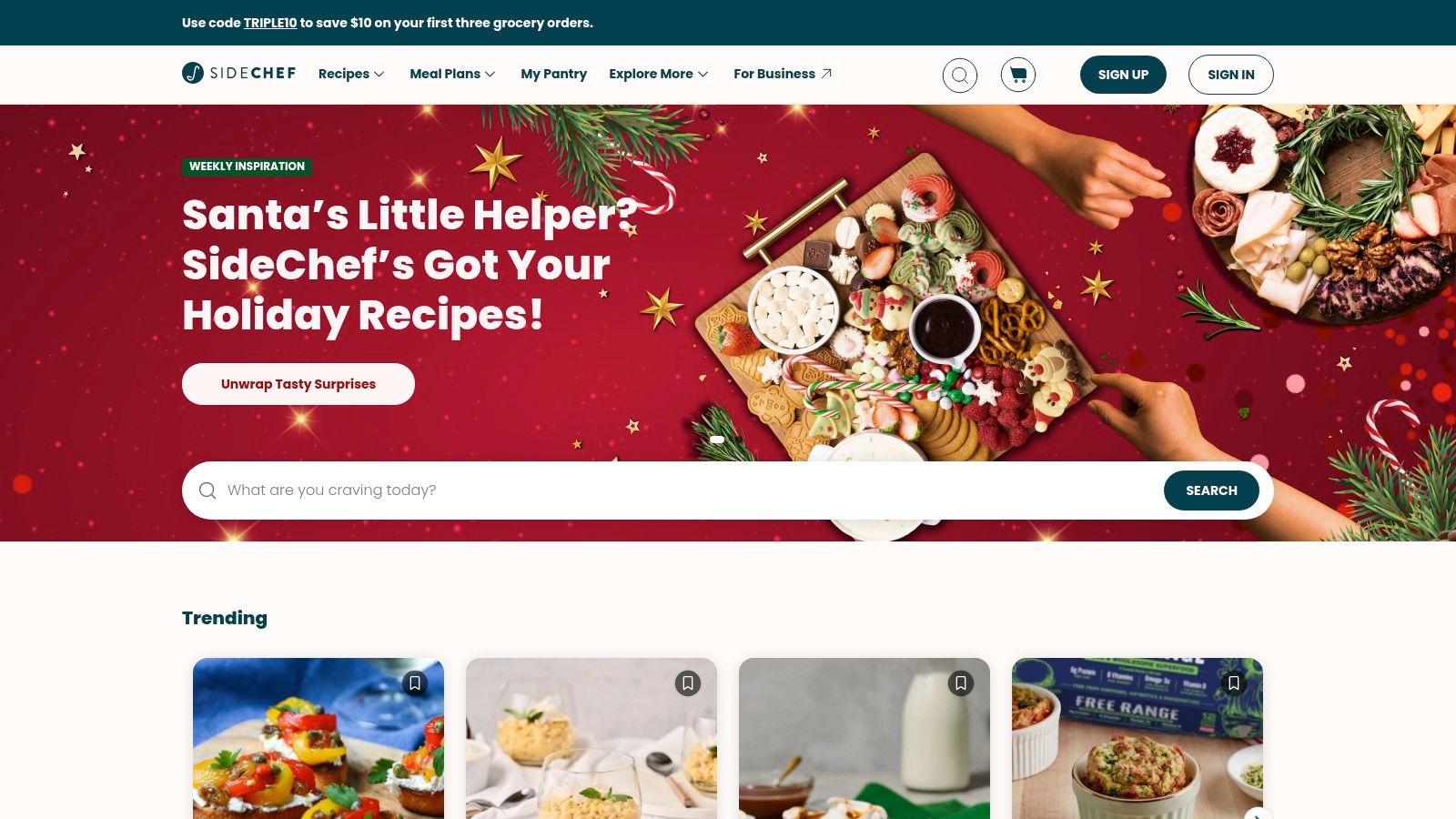
The platform is particularly beneficial for novice cooks or those who appreciate a helping hand in the kitchen. Its signature feature is the step-by-step guided cooking mode, complete with integrated timers, instructional videos, and voice prompts to walk you through each part of the process. While its primary focus is on this guided and shoppable workflow, its ability to save and organize recipes from across the web makes it a strong contender for everyday meal planning.
Key Details & Pricing
- Best For: New cooks, busy families, and anyone who wants a seamless path from recipe discovery to grocery delivery.
- Pricing: Free to use, with a premium subscription (around $4.99/month) unlocking advanced meal planning tools and exclusive content.
- Pros: Excellent grocery shopping and delivery integrations, helpful step-by-step guided cooking experience, robust recipe clipper.
- Cons: The primary focus is less on pure recipe archiving and more on the guided/shoppable experience; retailer integrations vary by region.
Website: https://www.sidechef.com
9. BigOven
BigOven stands out as one of the best apps for recipe organization by blending a massive community-driven recipe database with practical kitchen management tools. Its longevity in the space means it has a library of over one million recipes to discover, alongside a reliable web clipper for importing your finds from across the internet. It appeals to home cooks who value both inspiration and practicality in a single platform.
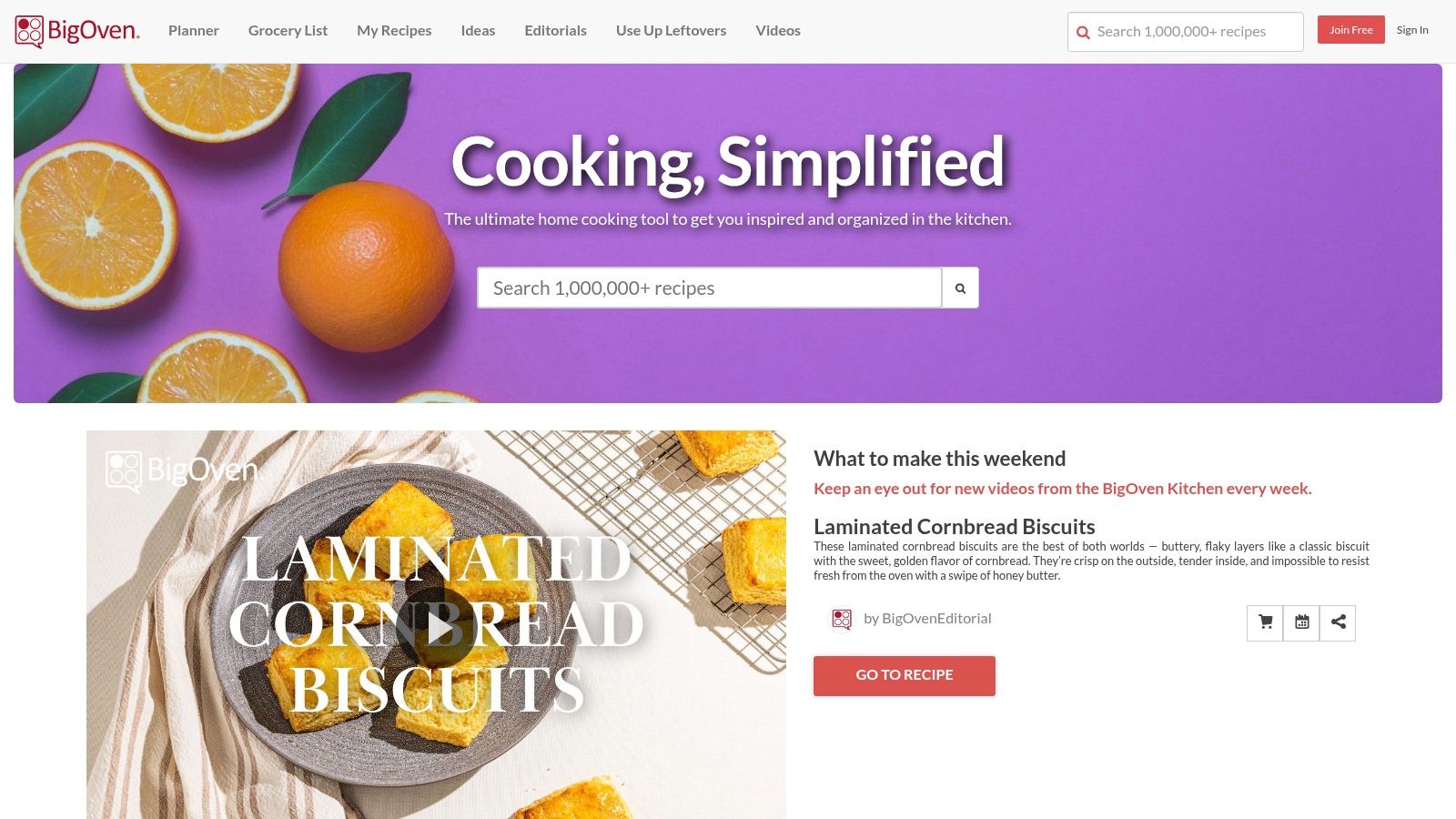
The app’s most unique feature is its “Use-Up-Leftovers” tool, which helps you find recipes based on ingredients you already have, effectively reducing food waste. The platform also includes robust meal planning and shareable grocery lists that streamline your weekly shopping. While the free version is functional, the Pro tier unlocks unlimited recipe saves, advanced search filters, and nutritional insights, making it a comprehensive solution for dedicated planners.
Key Details & Pricing
- Best For: Cooks who love discovering new recipes and want a smart tool to minimize food waste.
- Pricing: Free basic plan (limited to 200 saved recipes). BigOven Pro is available for $2.99/month or $24.99/year.
- Pros: Huge community recipe database for endless discovery, unique leftover-based recipe finder, strong meal planning and grocery features.
- Cons: The free plan has a restrictive cap on saved recipes; key features like nutrition data are behind the Pro paywall.
Website: https://www.bigoven.com
10. Mealime
Mealime excels as a meal planning service first and a recipe organizer second, making it ideal for those who prioritize speed and simplicity over building a vast personal cookbook. The app is designed to streamline the entire process from planning weekly meals to generating a perfectly sorted grocery list in minutes. Its clean interface and guided workflow help users quickly select meals from a curated, health-focused catalog, significantly reducing the mental load of deciding what to cook.
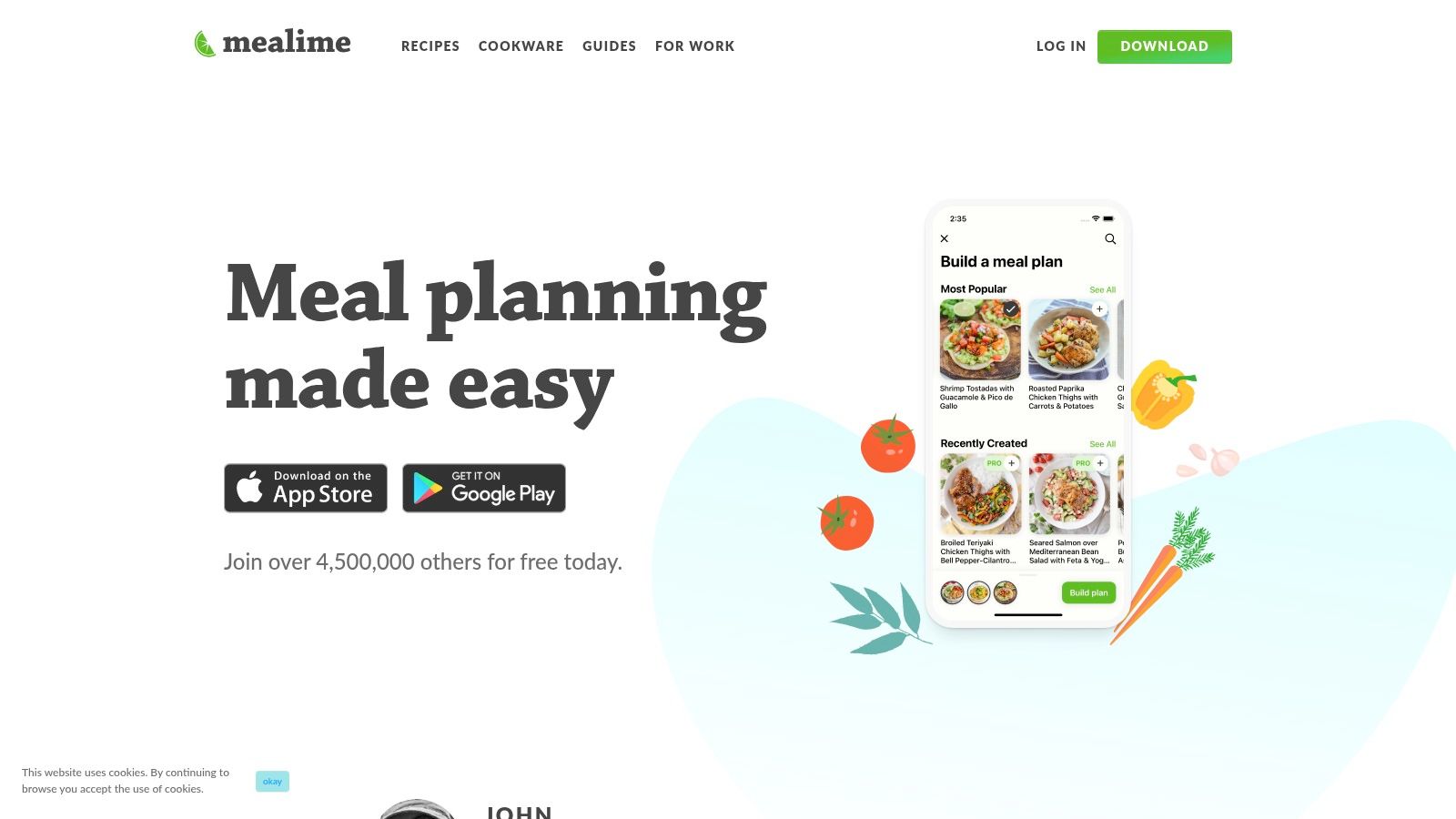
While its core function is planning, Mealime does offer tools for recipe organization, allowing users to save favorite meals from its catalog and track previously cooked plans. This focus on efficiency makes it one of the best apps for recipe organization for busy individuals or families needing healthy meals without the hassle. The recipes are consistently quick, usually taking around 30 minutes, which is a major draw for users with limited time.
Key Details & Pricing
- Best For: Busy professionals and families who want an extremely fast, health-oriented meal planning system with basic recipe-saving functions.
- Pricing: Free basic version; Mealime Pro is required to access the full recipe catalog, advanced filters, and nutrition information (around $2.99/month).
- Pros: Incredibly fast plan-to-shop workflow, strong focus on healthy and quick recipes, auto-sorted grocery lists save significant time.
- Cons: Recipe organization features are secondary and less robust than dedicated apps; full functionality and recipe variety require a subscription.
Website: https://www.mealime.com
11. Copy Me That
Copy Me That is a straightforward, web-first platform for cooks who prioritize function over flash. Its core strength is its powerful, one-click recipe clipper that reliably grabs recipes from almost any website, letting you edit and organize them immediately. While its interface is more utilitarian than some polished competitors, it provides a highly effective system for digital recipe organization without a steep learning curve or high cost.
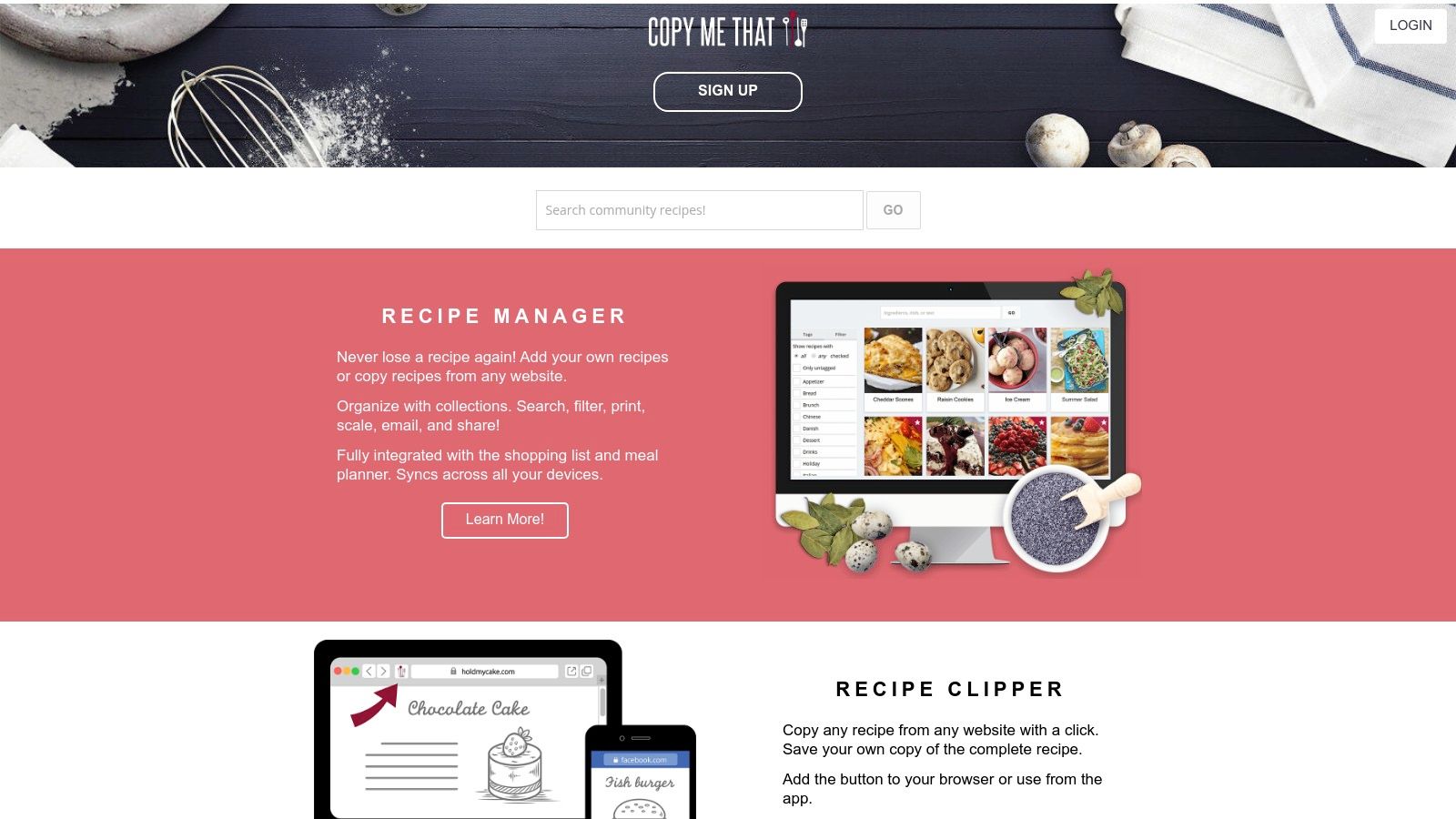
The platform shines in its flexibility. Users can clean up imported recipes, add their own notes, and organize everything with a simple but effective tagging system. It also includes integrated meal planning and shopping list features, making it a comprehensive tool for managing your kitchen. The free version is fully functional, while an inexpensive premium upgrade removes ads and adds enhanced features, making it an accessible choice for many home cooks.
Key Details & Pricing
- Best For: Budget-conscious cooks who want a reliable web clipper and a no-frills, function-first organization system.
- Pricing: Free with ads. A low-cost premium membership is available for an ad-free experience and additional features.
- Pros: Excellent and highly compatible web clipper, simple tagging system for organization, very affordable premium upgrade.
- Cons: The user interface feels dated compared to newer apps; lacks some advanced features found in subscription services.
Website: https://www.copymethat.com
12. ChefTap
ChefTap has long been a reliable choice in the recipe app space, earning its place by focusing on one thing and doing it well: accurately clipping recipes. It’s designed to be a straightforward digital recipe box, grabbing recipes from websites and organizing them with familiar tools like folders and tags. The app shines for those who want a simple, mobile-first experience without a steep learning curve. Its menu planning and shopping list features are practical for everyday meal prep.
However, prospective users should be aware that recent community feedback suggests a slowdown in development updates and customer support responsiveness. While its core clipping technology remains effective for many sites, its stability and export workflows can sometimes be inconsistent, according to user reports. We recommend utilizing the free trial to ensure it meets your current needs before committing to a subscription, as it remains a functional choice for basic organization.
Key Details & Pricing
- Best For: Users who prioritize a mobile-centric experience and want a simple, effective recipe clipper with basic organizational tools.
- Pricing: Free for up to 100 recipes. A Pro subscription is available for around $24.99/year for unlimited recipes and advanced features.
- Pros: Historically strong and accurate recipe clipper, easy-to-use folder and tagging system, mobile-first design.
- Cons: Recent user reports mention inconsistent app stability and slow support; export process may require manual cleanup.
Website: http://www.cheftap.com
Top 12 Recipe Organization Apps — Feature Comparison
| App | Core focus / Key features | Best for | Unique strength | Pricing | Notable limitations |
|---|---|---|---|---|---|
| Paprika Recipe Manager | Web clipper, meal planner, pantry & offline cooking view | Organizers who want robust offline tools | Mature, distraction-free cooking mode & strong desktop apps | One-time purchase per platform; free cloud sync | Must buy separately per platform; limited web app |
| AnyList | Shared grocery lists, recipe box, calendar meal planner | Families/households that share lists across devices | Fast, reliable sync and simple shared lists | Freemium (paid tier for pro features) | Best features behind paid tier; lighter pantry tools |
| Samsung Food (Whisk) | Recipe saving, AI personalization, inventory with Vision AI | Samsung ecosystem users and AI-forward planners | Deep appliance/retailer integrations and shoppable recipes | Free with optional paid features | Some premium features paid; rebrand/store confusion |
| Plan to Eat | Drag-and-drop meal calendar, shareable menus, grocery generator | Serious planners and family meal coordinators | Planner-first UX that turns plans directly into lists | Subscription (no permanent free plan) | Planner-centric setup; steeper initial effort |
| Recipe Keeper | Photo/OCR scanning, web import, meal planner, cross-platform sync | Users who want simple cross-platform recipe vaults | Try-before-you-buy model and clean UI | One-time purchase per platform after trial | Per-platform licenses; limited advanced analytics |
| Mela | Web clipper, RSS feed imports, iCloud sync, elegant cooking view | Apple users who value design and speed | Beautiful UI + fast, accurate recipe extraction | Paid (iOS/macOS; iCloud sync) | Apple-only (no full web app) |
| OrganizEat | Fast social/web capture, photo OCR, tags, cloud sync | Users who save recipes from social media and photos | Very fast capture from Instagram/TikTok and photo scans | Subscription | No lifetime license; web tied to account |
| SideChef | Step-by-step guided recipes, shopping + retailer integrations | Newer cooks who want guided meals and shopping | Guided cooking with timers/voice + shoppable workflow | Freemium with region-dependent integrations | Focuses more on guided cooking than archiving |
| BigOven | Clipper, meal planner, Use-Up-Leftovers tool, large catalog | Discovery-focused cooks and reducing food waste | Large community + practical leftovers feature | Freemium; Pro subscription removes caps/ads | Free plan limits saved recipes; Pro behind paywall |
| Mealime | Personalized quick meal plans, auto shopping lists | Busy people wanting fast, healthy weekly plans | Very fast plan-to-shop workflow and dietary filters | Freemium; Pro for full features | Lighter organization depth; Pro needed for full catalog |
| Copy Me That | Web-first recipe clipper, tagging, lists & meal planning | Web-savvy users who clip from many sites cheaply | Extremely flexible clipper and low-cost premium | Free + inexpensive premium | Utilitarian interface; less polish |
| ChefTap | Automatic clipping/parsing, folders, menu planning, shopping lists | Longtime clipper users migrating from older tools | Historically accurate parsing and familiar UI | Freemium / trial (varies) | Recent reports of slower updates and support issues |
From Recipe Chaos to Culinary Chronicle
Navigating the landscape of digital recipe management reveals one clear truth: there is no single “best” app, only the best app for you. Your culinary workflow is as unique as your palate. Throughout this guide, we’ve explored a dozen powerful tools, from the database-driven precision of Paprika and the family-sharing simplicity of AnyList to the all-in-one ecosystem of Samsung Food. Each one offers a distinct path from a cluttered collection of bookmarks and screenshots to an organized, accessible culinary library.
The journey to find your perfect fit requires honest self-assessment. Are you a meticulous meal planner who needs robust scheduling features, or a spontaneous home cook who just wants a reliable place to save intriguing recipes? Do you need seamless grocery list integration for a family of five, or a lightweight, offline-accessible tool for your solo travels? Reflecting on these questions is the most critical step.
Your Action Plan for Choosing an Organizer
To move from analysis to action, consider these final steps:
- Identify Your Non-Negotiables: Pinpoint the 2-3 features you absolutely cannot live without. Is it cross-device sync, a one-time purchase model, or robust nutritional data? Start your shortlist there.
- Run a Small-Scale Trial: Before committing to a full migration, test your top choice with just five to ten of your favorite recipes. Experience the import process, the in-kitchen view, and the grocery list functionality firsthand.
- Consider Your Exit Strategy: As we noted, data portability matters. Ensure your chosen app allows for easy export, giving you the freedom to switch tools in the future without losing your valuable collection.
Remember, a recipe organizer is a functional tool designed to streamline the process of cooking. It masterfully handles the ingredients, instructions, and planning. But the story of your food doesn't end when the meal is plated. For those who draw inspiration from fresh ingredients, authentic market experiences like Tsukiji can spark new recipe ideas, and capturing the results is just as important as organizing the steps to get there.
Ultimately, the best apps for recipe organization clear the logistical hurdles so you can focus on the creative and sensory experience of cooking. They build the foundation for your culinary chronicle, turning chaos into a reliable system. By choosing a tool that aligns with your habits, you create more space to not only make great food but also to savor the memories that come with it.
Ready to capture the story behind every recipe you master? While your new organizer manages the "how-to," Savor is built to remember the "wow." Document your culinary creations, rate your favorite dishes like a critic, and build a private food journal that celebrates your unique taste journey. Track tastes, share discoveries.
Continue Reading
Start Tracking Your Dishes Today
Transform your food photos into a searchable, ratable culinary memory bank.
Download Savor App