
The 12 Best Apps to Organize Your Recipes in 2025
Harry the matcha king
Harry is our resident matcha obsessive. He’s tasted hundreds of bowls and tracks every cup in Savor.
Your recipe collection is a living story—a mix of family traditions, late-night experiments, and comfort food memories. But when those stories are scattered...
Your recipe collection is a living story—a mix of family traditions, late-night experiments, and comfort food memories. But when those stories are scattered across browser bookmarks, screenshots, and sticky notes, finding the right one feels impossible. A dedicated organize recipes app transforms that digital clutter into a personal, searchable, and genuinely useful cookbook that fits your life.
This guide goes beyond simple feature lists to help you find the perfect digital home for your recipes. Whether you're a meticulous meal planner, a family cook preserving traditions, or a solo foodie documenting your taste journey, we’ll get straight to the point. We’ll cover 12 top-tier options—from powerful tools like Paprika and AnyList to self-hosted solutions like Tandoor—focusing on how they work in the real world for different cooking styles.
Here, you’ll find practical breakdowns, screenshots, and direct links for every app. We’ll explore which ones are best for families on a budget, which are built for travelers collecting global dishes, and which prioritize privacy for your personal food diary. To effectively tackle recipe chaos, exploring the 12 Best Recipe Manager Apps can provide comprehensive solutions for organizing your culinary collection. Let’s find the app that finally gets your recipes organized for good.
1. Paprika Recipe Manager
Paprika is a long-standing favorite in the digital kitchen, celebrated for its powerful recipe-clipping and robust offline functionality. It’s a buy-once, own-forever tool, making it a great choice for home cooks who want to organize recipes without recurring fees. The app’s strength is its mature, dish-centric approach; it excels at grabbing recipes from almost any website, sorting them into custom categories, and making them accessible across all your devices—even without an internet connection. This is a game-changer for travelers or anyone with spotty Wi-Fi.
Key Features and User Experience
Paprika’s interface is clean and straightforward, focusing on function over flair. The in-app browser and extension make saving online recipes a seamless one-click process. Once imported, you can easily scale ingredients, convert measurements, and even run multiple cooking timers right in the app. The grocery list feature is especially smart, automatically sorting ingredients by aisle to make shopping trips more efficient.
- Best For: The serious home cook with a large, personal collection of online recipes who wants a reliable, private database without social features.
- How to Start: Download the app, use the browser extension to start clipping recipes, and create custom categories like "Weeknight Dinners" or "Holiday Baking" to stay organized.
- Heads-Up: The main drawback is its pricing. While it avoids subscriptions, you have to buy a separate license for each platform (iOS, Android, macOS, Windows), which can add up if you use multiple operating systems.
Website: paprikaapp.com
2. AnyList
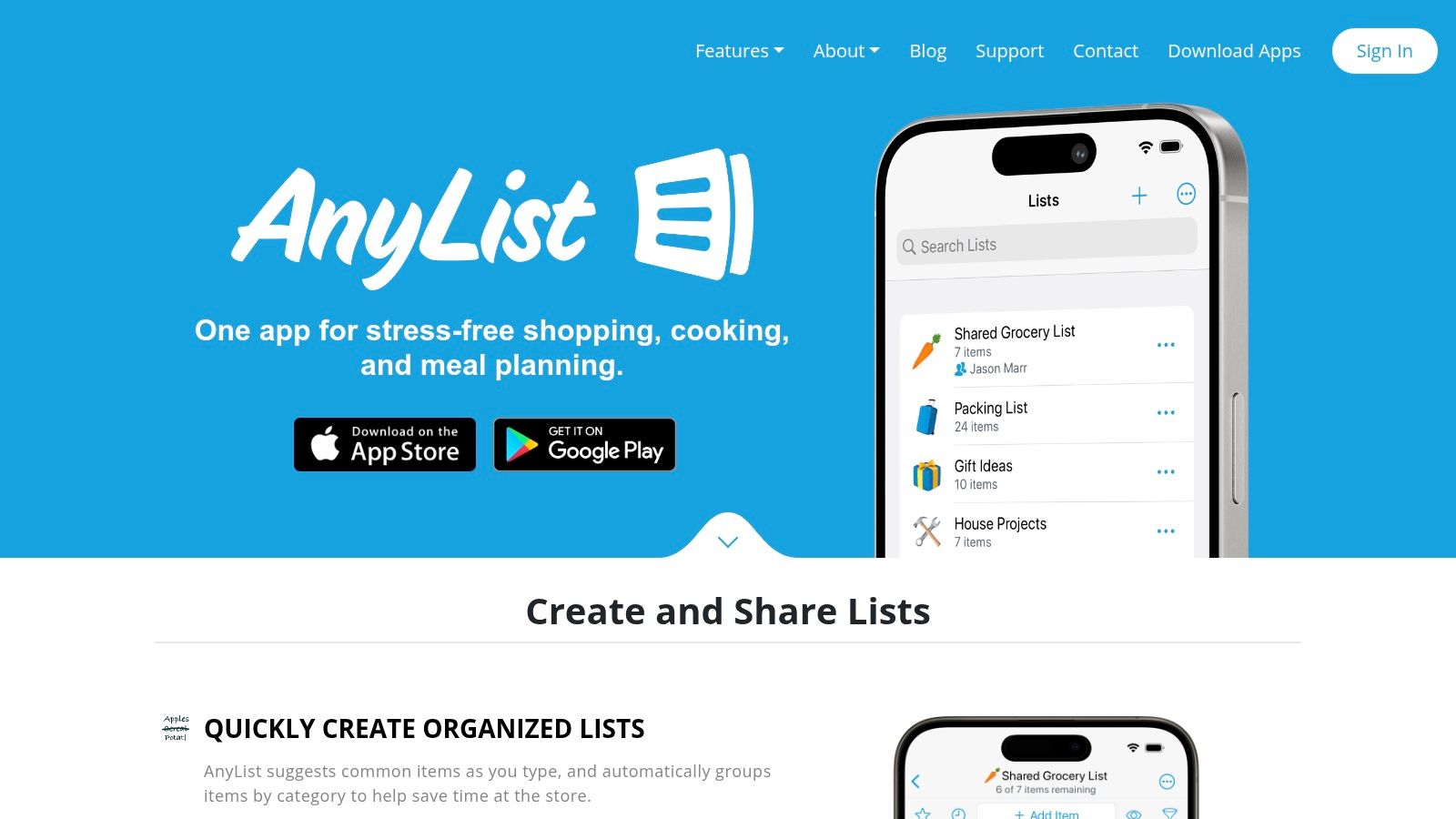
AnyList shines as a household organization hub, built around a powerful shared grocery list that integrates seamlessly with recipes and meal planning. It’s designed for collaborative home cooking where real-time syncing is a must. The platform’s core strength is its list-first approach; it makes going from finding a recipe to buying ingredients incredibly efficient. This makes AnyList a top pick for families, couples, or roommates who need a shared system to coordinate cooking without confusion.
Key Features and User Experience
AnyList offers a clean, intuitive interface that prioritizes speed and simplicity. Importing recipes from websites is easy, and with a single tap, all ingredients land on your shared shopping list. The app automatically categorizes grocery items by store aisle, saving you time at the store. Its calendar-based meal planner lets you schedule dishes for the week, which then automatically populates your shopping list. For those in the Apple ecosystem, Siri and Apple Watch integration adds hands-free convenience.
- Best For: Families or partners who need a flawlessly synchronized grocery list and meal plan tied directly to their recipe collection.
- How to Start: Create shared lists with household members, import your favorite recipes, and drag and drop meals onto the calendar for the week ahead. It's a great tool, similar to how a dedicated food diary app helps you track meals.
- Heads-Up: While the core list and recipe features are free, many of the best functions—like the meal planning calendar and recipe web import on Mac—require the paid "AnyList Complete" subscription.
Website: anylist.com
3. Samsung Food (formerly Whisk)
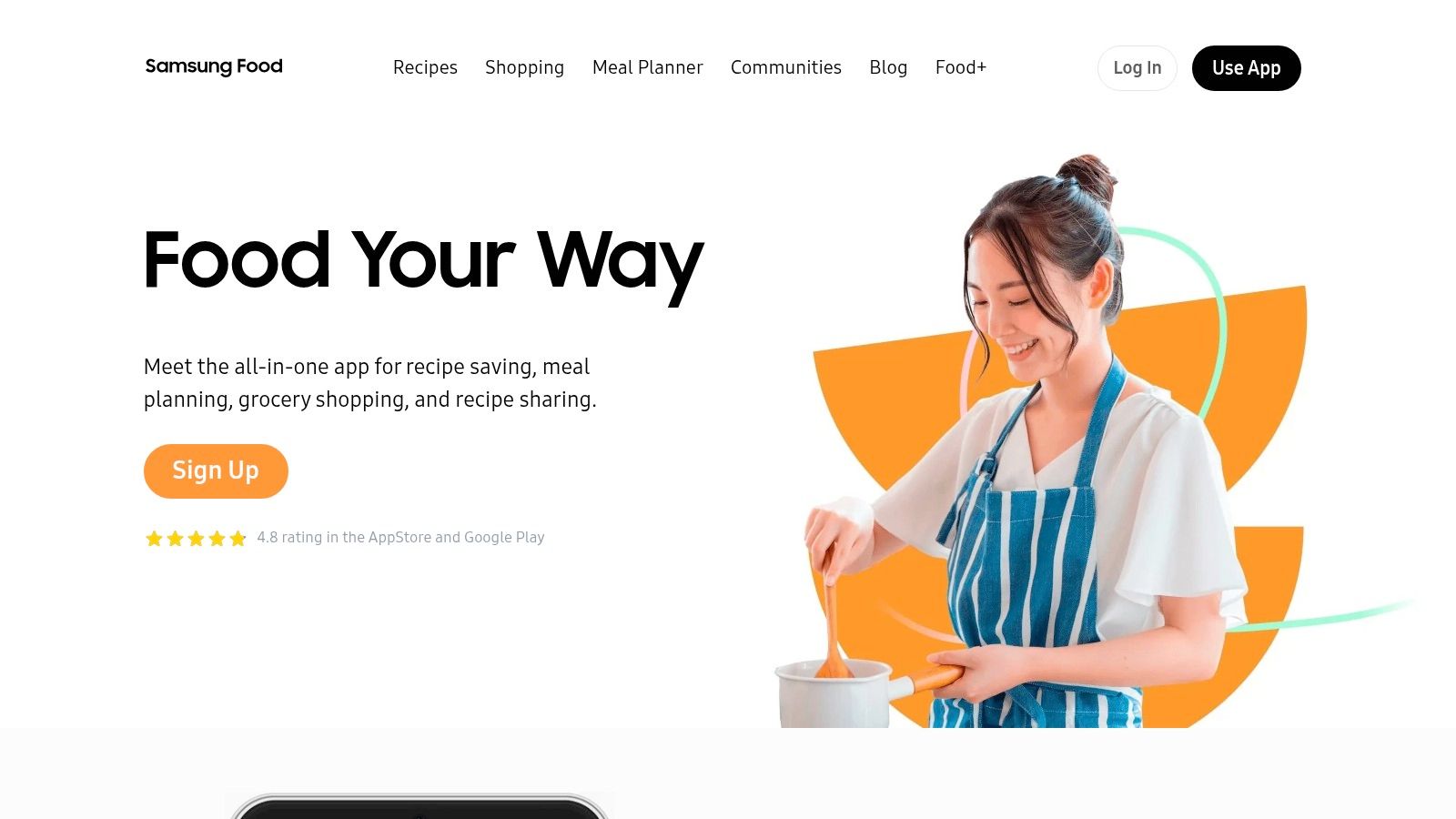
Samsung Food, which grew from the popular app Whisk, is a modern, AI-powered culinary assistant designed for connected kitchens. It blends a massive recipe database with smart meal planning and community features, aiming to be an all-in-one platform for food discovery and organization. Its key differentiator is its integration with smart home ecosystems, especially Samsung appliances, allowing you to preheat ovens or send cooking instructions directly from a recipe. This makes it a great choice for tech-savvy cooks.
Key Features and User Experience
The platform offers a clean, visually appealing interface that makes it easy to save recipes from any site or browse its extensive catalog. A standout feature is its Vision AI, which can identify ingredients from a photo of your pantry and suggest recipes. It also provides detailed nutritional information and encourages community interaction. While the core features are free, the optional Food+ subscription unlocks advanced AI-personalized meal plans and an ad-free experience.
- Best For: Home cooks with smart appliances (especially Samsung) who want an AI-driven assistant for meal planning, nutritional tracking, and recipe discovery.
- How to Start: Use the browser extension or mobile share function to build your recipe box. Explore the AI features by scanning your pantry items and letting the app generate a weekly meal plan.
- Heads-Up: The most powerful AI personalization and planning tools are locked behind the Food+ subscription. The experience is most seamless for users already invested in Samsung devices.
Website: samsungfood.com
4. Plan to Eat
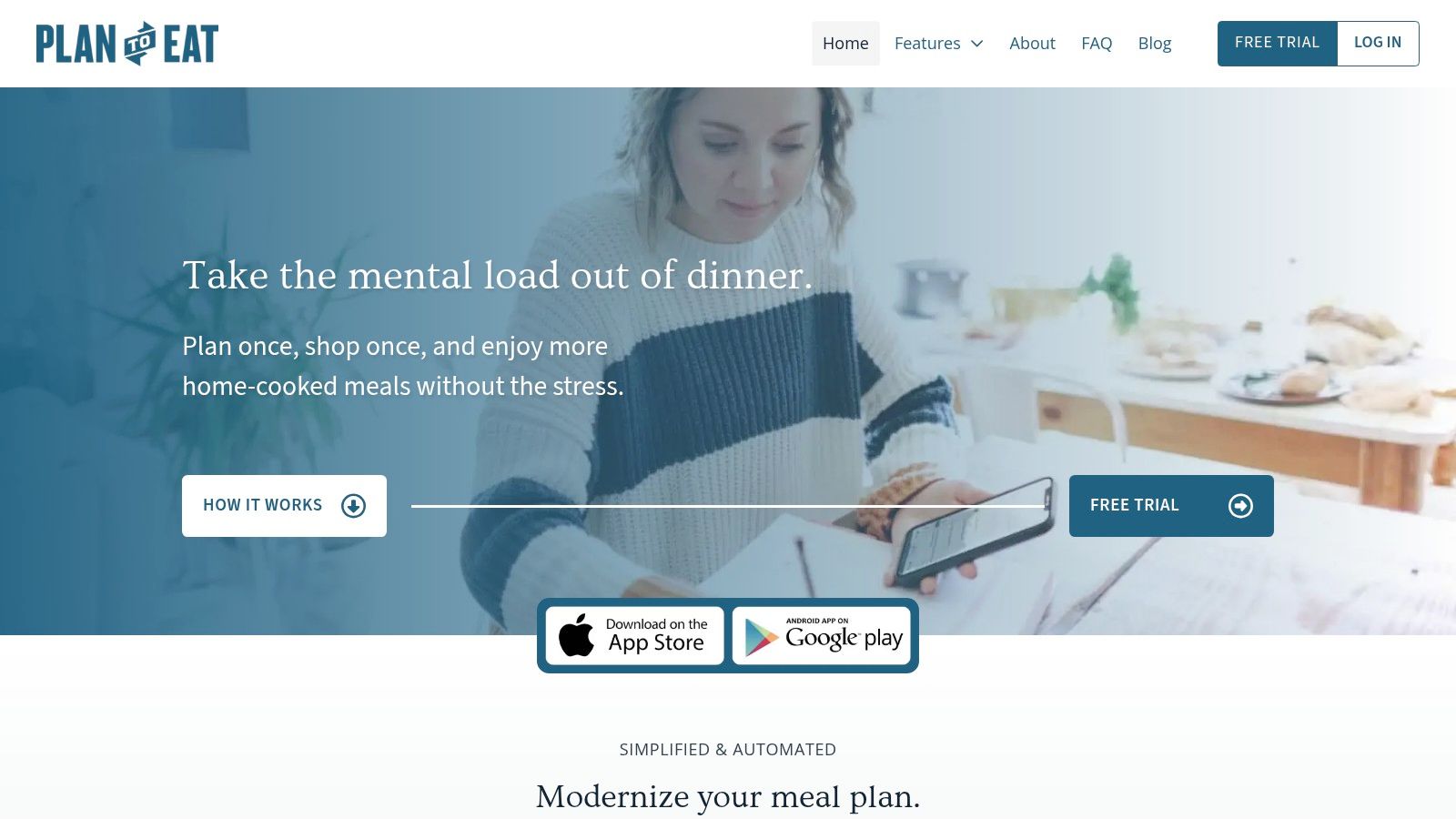
Plan to Eat takes a focused, privacy-first approach to the digital kitchen, positioning itself as a dedicated meal planner rather than just a recipe box. It’s designed for home cooks who prioritize structured planning and want a private, ad-free space to organize recipes. Its strength lies in its simple yet powerful workflow: clip a recipe, drag it onto your calendar, and the app automatically builds a consolidated, aisle-sorted grocery list.
Key Features and User Experience
The user experience in Plan to Eat is centered around its drag-and-drop meal planning calendar. Importing recipes from websites is a straightforward process, and saved recipes become part of your permanent, private library. The app's automated grocery list is a standout feature, intelligently combining ingredients from multiple recipes and letting you check off items you already have. This efficient loop between recipes, calendar, and shopping list is perfect for reducing food waste and sticking to a budget.
- Best For: Families and individuals committed to weekly meal planning who want an all-in-one tool to organize recipes and automate their grocery shopping.
- How to Start: Start the free trial and use the browser extension to import a week's worth of recipes. Drag them onto the calendar to see how the shopping list is automatically generated.
- Heads-Up: The platform is built specifically for planning and lacks the social or community-driven discovery features found in other apps. It operates on a subscription-only model after the trial ends.
Website: plantoeat.com
5. Recipe Keeper
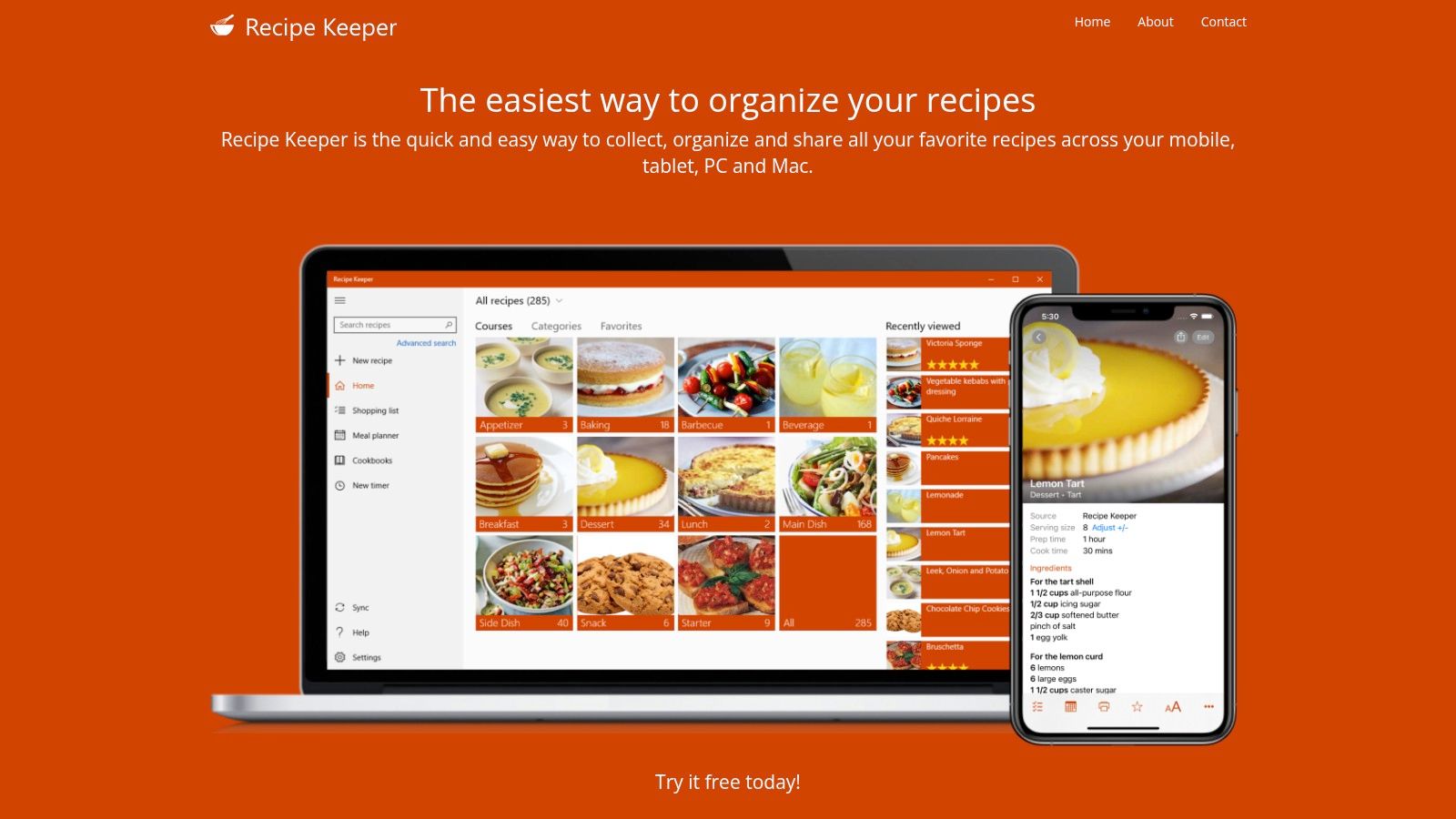
Recipe Keeper stands out by bridging the gap between digital and physical recipe collections. Its signature feature is Optical Character Recognition (OCR), which lets you scan printed or even handwritten recipes directly into a digital format. This makes it an invaluable tool for anyone looking to digitize cherished family recipe cards or clippings from old magazines. The app operates on a buy-once model, offering a powerful, subscription-free way to organize recipes and preserve culinary heritage.
Key Features and User Experience
While its interface is more functional than flashy, Recipe Keeper excels at its core tasks. Beyond its impressive scanning, it offers standard features like a web importer, a meal planner, and cross-device syncing. A truly unique offering is its ability to compile your recipes into a professionally formatted, printable cookbook with a table of contents. This function is perfect for creating personalized gifts. Creating a family cookbook becomes a streamlined process, transforming a digital collection into a physical keepsake.
- Best For: Anyone with a large collection of physical recipes who wants to digitize them without manual entry, and those who want to create printable cookbooks.
- How to Start: Start by scanning your most-used physical recipe cards with the OCR tool. Use the meal planner to schedule your week and automatically generate a shopping list.
- Heads-Up: Similar to other one-time purchase apps, Recipe Keeper requires separate licenses for each operating system (iOS, Android, Windows, Mac), which can be costly for users across multiple platforms.
Website: recipekeeperonline.com
6. CookBook – The Recipe Manager & Planner
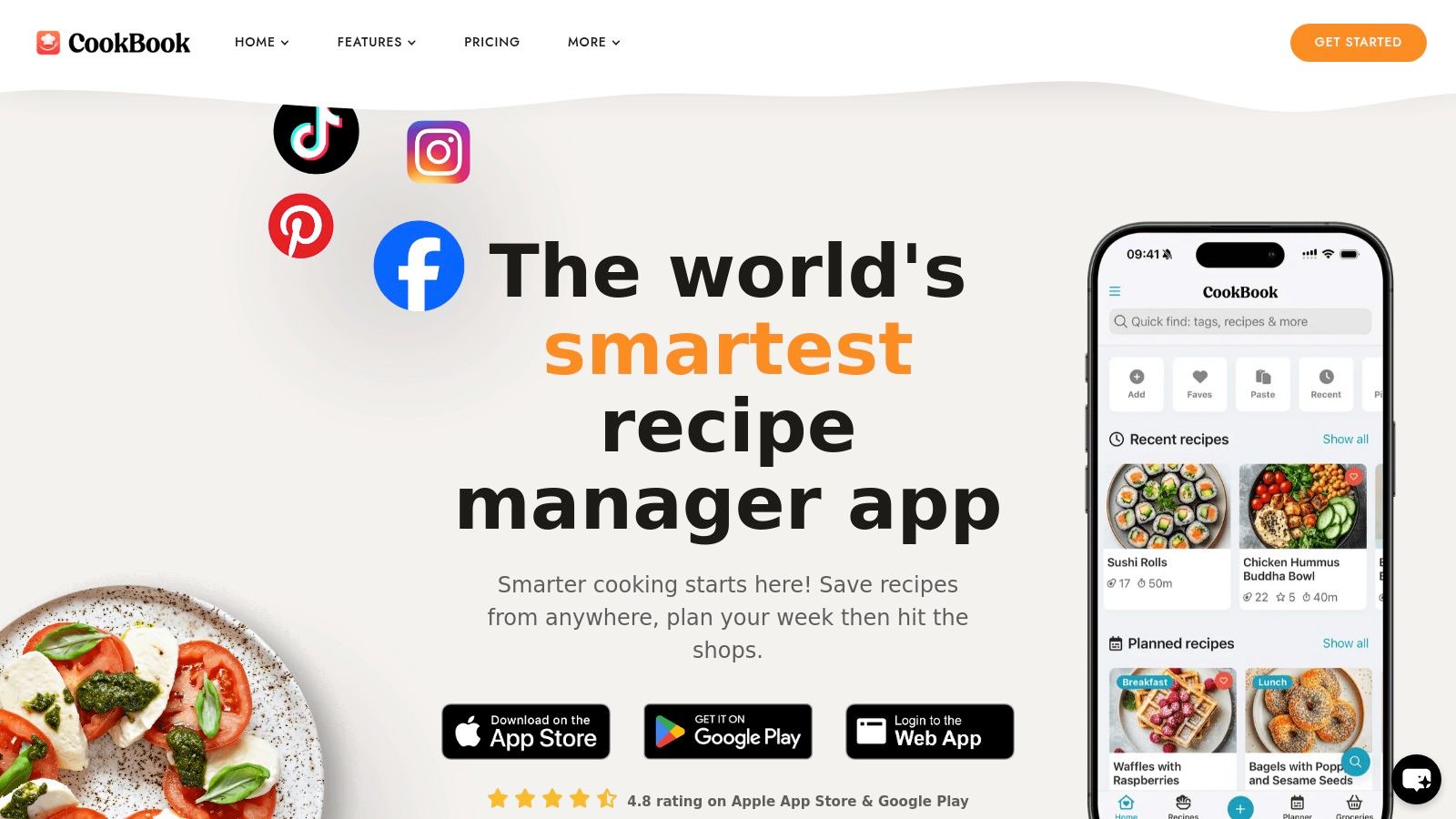
CookBook modernizes recipe organization by catering to the social media-savvy home cook. Its standout feature is the ability to intelligently import recipes not just from websites but also from formats like TikTok and Instagram videos. This platform is built for the person who finds culinary inspiration on their social feeds and wants a quick way to capture it. By blending traditional recipe management with AI-powered tools, CookBook serves as a versatile digital kitchen assistant.
Key Features and User Experience
CookBook's interface feels contemporary and is designed to handle different media types seamlessly. The AI Recipe Scanner is a highlight, accurately parsing ingredients and instructions from photos or screenshots of family recipes. The "AI Chef" feature can suggest variations, provide cooking tips, or adapt recipes to dietary needs. The inclusion of a dedicated web app alongside its mobile versions ensures you can plan and organize from any device.
- Best For: Cooks who source recipes from social media and want AI assistance, a robust meal planner, and cross-platform access including a web app.
- How to Start: Import a few favorite recipes from Instagram or TikTok to see the AI parser in action. Use the meal planner to schedule your week and automatically generate a shopping list.
- Heads-Up: The app operates on a subscription model, which is required to unlock unlimited recipe storage and full features after the free trial limits are reached.
Website: thecookbookapp.com
7. BigOven
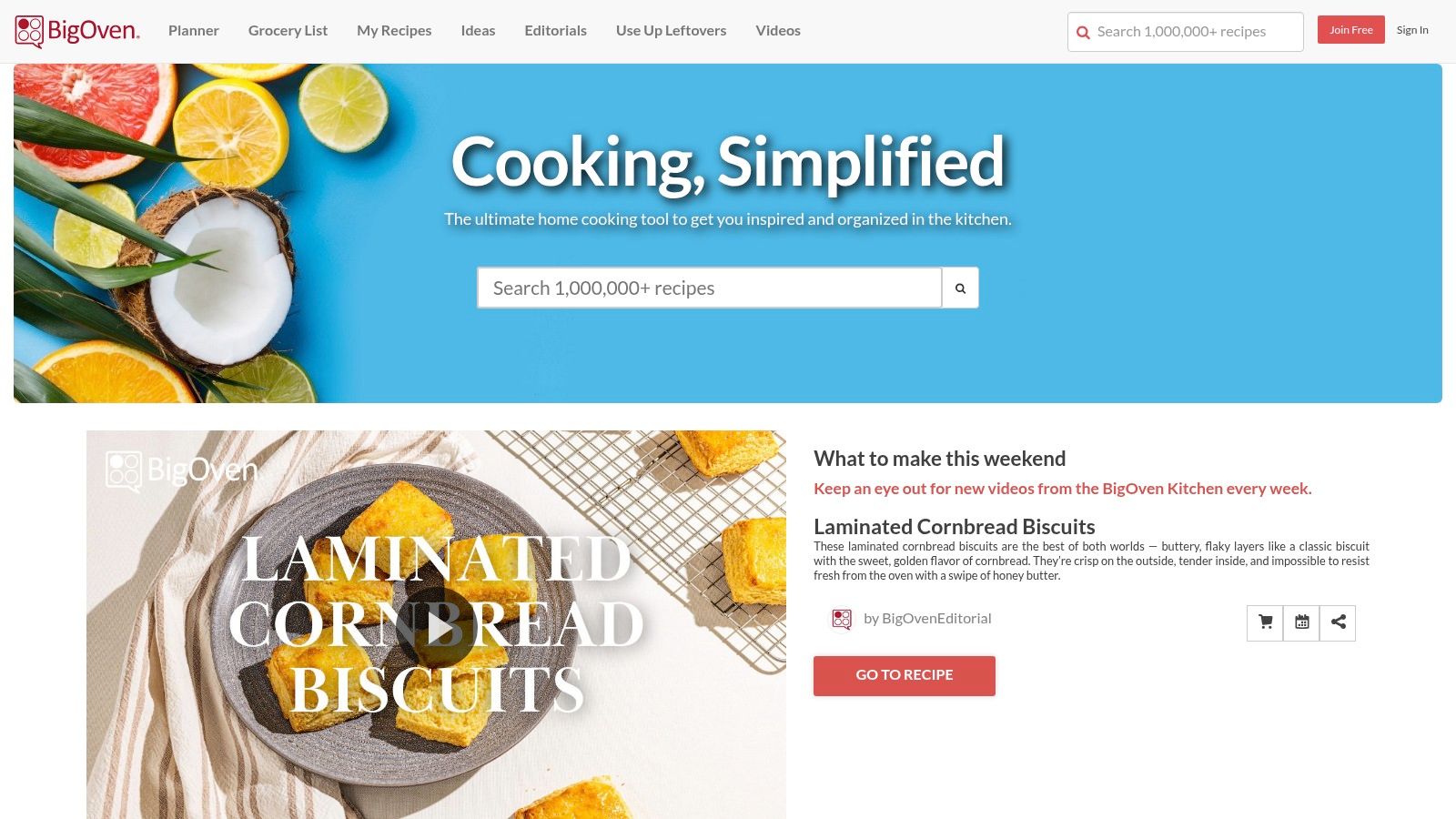
BigOven is one of the original players in the digital recipe space, offering a massive community-driven database of over one million recipes alongside personal organization tools. It stands out by combining a huge, ready-to-use library with the features you’d expect from a dedicated recipe manager, including a web clipper and meal planner. This dual functionality makes it a great starting point for home cooks who want to both discover new dishes and organize their personal collection in one place.
Key Features and User Experience
BigOven’s core strength is its scale. You can tap into an enormous public recipe catalog while also saving private recipes clipped from the web. The platform’s meal planning calendar is a practical tool for mapping out weekly menus, and the grocery list automatically consolidates ingredients. A unique paid add-on, RecipeScan, offers a service to digitize handwritten or printed recipes. The free version is functional but ad-supported, while the affordable Pro plan unlocks unlimited storage and an ad-free experience.
- Best For: Home cooks who value access to a huge, pre-existing recipe library for inspiration and want an affordable, all-in-one tool for planning and organization.
- How to Start: Browse the public catalog to find new favorites and use the browser clipper to import your own. The free 30-day Pro trial is a great way to test advanced features.
- Heads-Up: The user interface can feel dated compared to more modern competitors, and the free tier’s recipe storage limit and ads may be restrictive for serious users.
Website: https://www.bigoven.com
8. Copy Me That
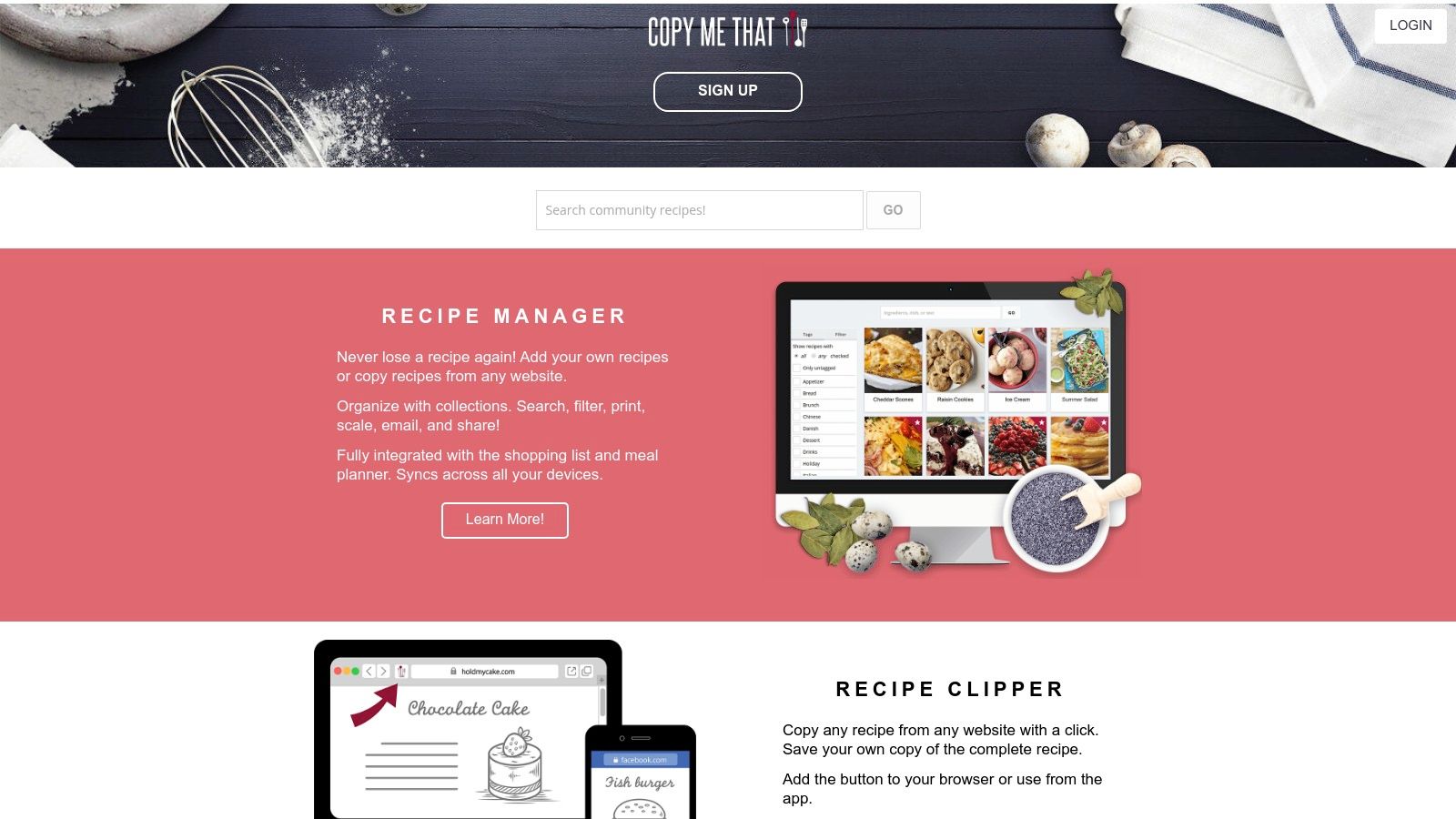
Copy Me That is a web-first recipe clipper and organizer that stands out for its simplicity and generous free tier. It’s an excellent choice for cooks who primarily browse for recipes on a computer and want a straightforward way to save them without hitting an immediate paywall. The platform's core strength is its browser extension, which reliably strips recipes from websites and saves them to a personal, cloud-based collection. While it offers mobile apps, its web interface remains the most robust and user-friendly experience.
Key Features and User Experience
Copy Me That’s user experience is direct and functional, prioritizing efficient recipe capture. The one-click browser extension is highly effective, and once a recipe is saved, you can edit it freely and add tags for organization. The platform also includes built-in meal planning and shopping list functionalities that sync across your devices. While the free version is impressive, a very low-cost premium subscription unlocks valuable extras like recipe scaling and an ad-free interface.
- Best For: The budget-conscious home cook who wants unlimited recipe storage and a reliable web clipper without committing to a costly subscription.
- How to Start: Install the browser extension on your web browser and start saving recipes with a single click. Use tags like "30-Minute Meals" or "Desserts" to filter your collection.
- Heads-Up: The platform is distinctly web-centric, and while mobile apps exist, their availability and feature parity have varied over time. Key features like scaling ingredients are locked behind the premium subscription.
Website: copymethat.com
9. Mela – Recipe Manager
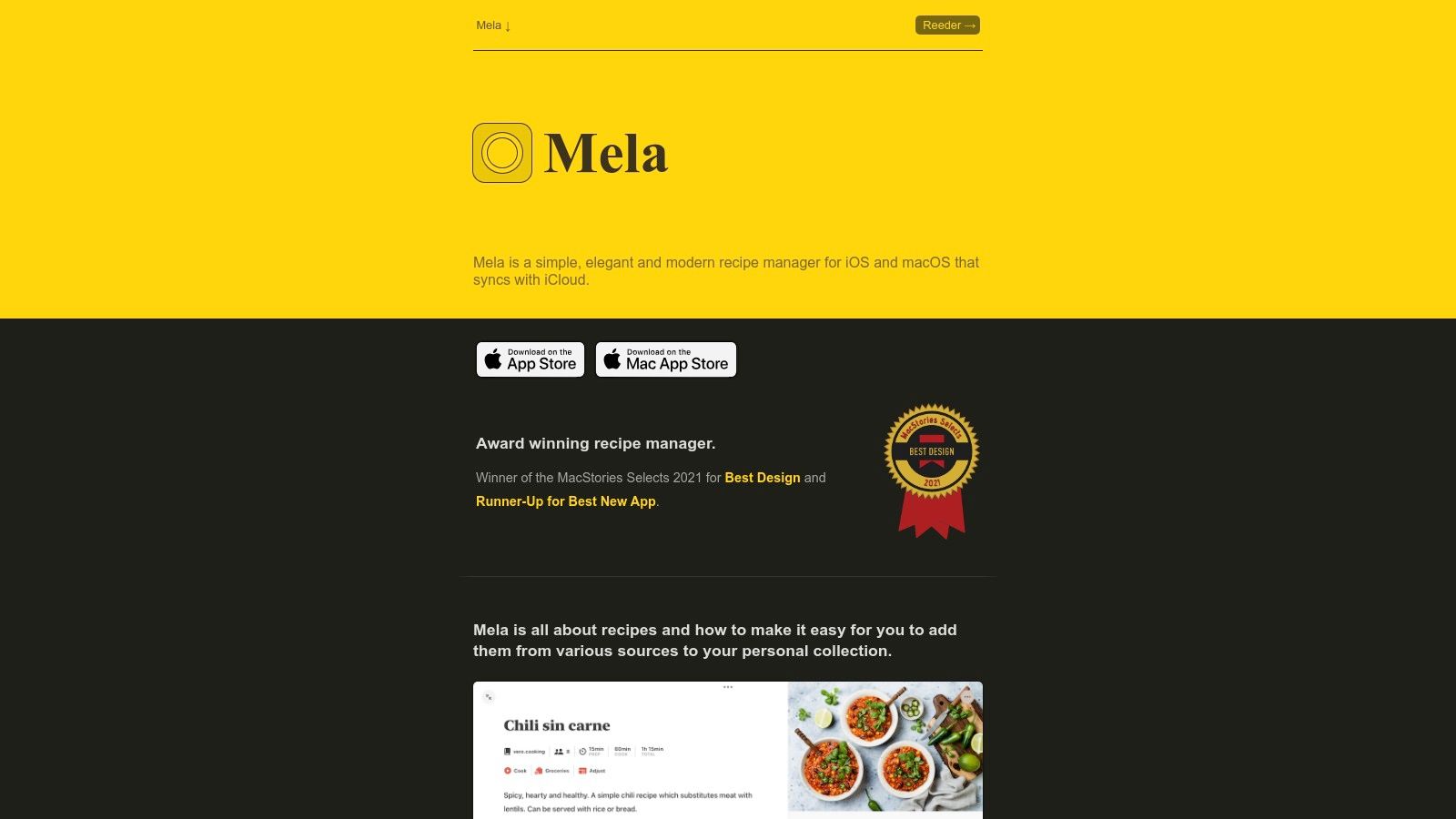
Mela is an elegant, modern, and privacy-first app designed exclusively for the Apple ecosystem. It shines for users deeply integrated with Apple’s services, offering seamless iCloud synchronization and a clean interface that prioritizes the cooking experience. Mela focuses on providing a personal, polished, and private space to organize recipes. Its standout feature is its deep integration with native Apple apps like Calendar and Reminders, making it a cohesive part of your daily digital life.
Key Features and User Experience
Mela’s user experience is fluid and visually pleasing. Its in-app browser features a live preview that intelligently detects recipe data on a webpage for quick imports. It also includes a text recognition (OCR) feature to scan and digitize recipes. When planning meals, Mela can add scheduled dishes directly to your Apple Calendar and populate your shopping list in Apple Reminders, centralizing your planning within the ecosystem. The app is private by default, with no data collection.
- Best For: The Apple-loyal home cook who values a beautiful design, strict privacy, and seamless integration with native iOS and macOS apps.
- How to Start: Download the app on your iPhone, iPad, or Mac. Use the browser extension or in-app browser to clip recipes, and connect it to iCloud to enable Calendar and Reminders integration.
- Heads-Up: Its biggest constraint is its exclusivity to the Apple ecosystem; there is no support for Android or Windows users. It also requires a one-time purchase for each platform (iOS/iPadOS and macOS).
Website: recipemanager.app
10. Cookpad
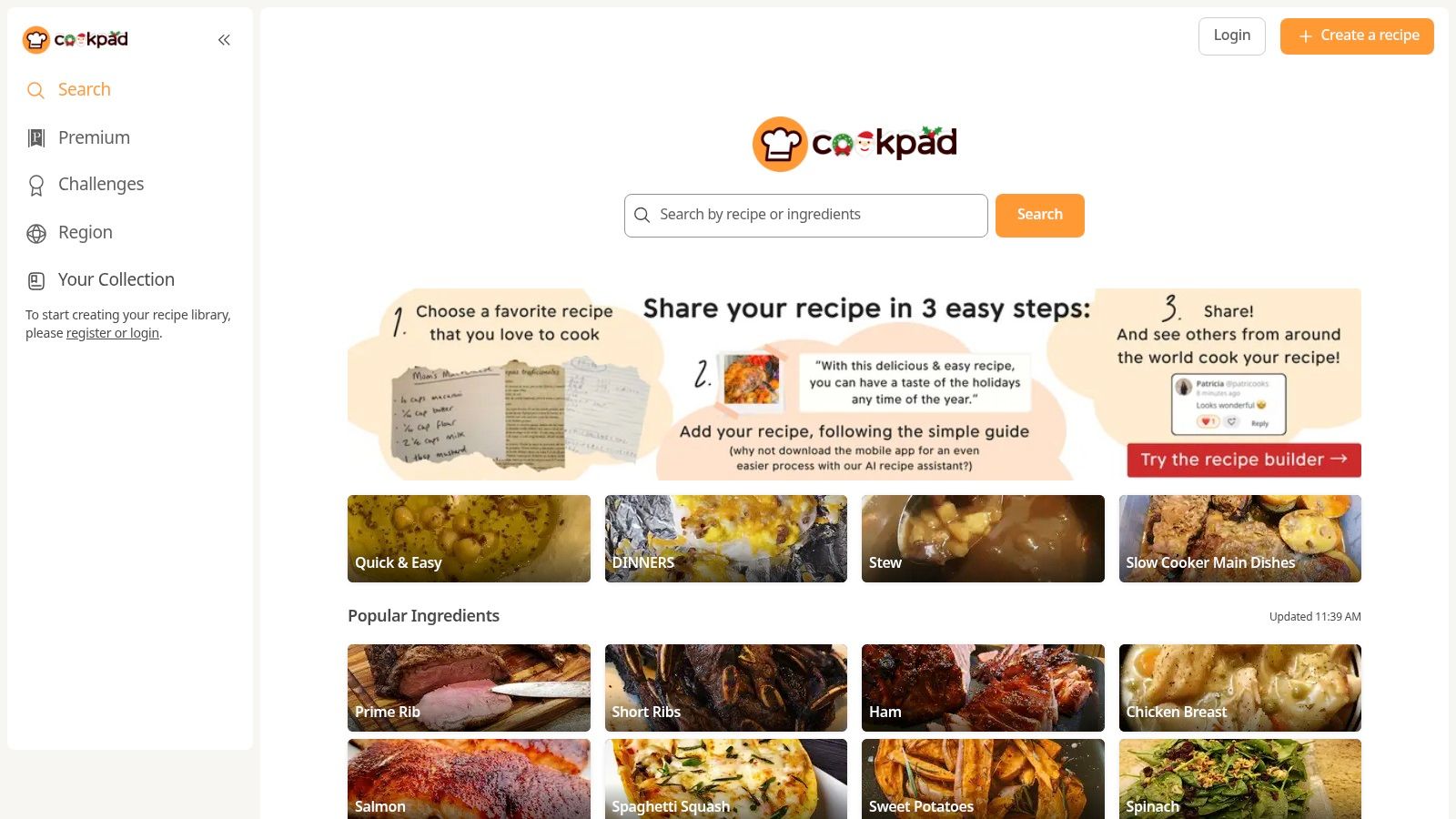
Cookpad operates less like a private database and more like a global, social kitchen. It is a recipe-sharing community where users from nearly 70 countries can publish their own creations, discover dishes from others, and save favorites to a personal recipe box. The platform’s strength is its massive, active user base, which provides a constant stream of authentic, home-tested recipes. This makes Cookpad a great choice for culinary explorers who value community feedback and cultural discovery.
Key Features and User Experience
The Cookpad experience is centered on social interaction and simple recipe sharing. You can publish your family recipes and receive feedback from a global audience. Saving a recipe from another user is straightforward, allowing you to build a collection of tried-and-true dishes. The platform is free to use and available via its website and mobile apps. Its global nature allows you to switch between regions, offering a fascinating window into the home kitchens of Japan, Indonesia, Spain, and beyond.
- Best For: Adventurous home cooks who enjoy sharing their own creations and discovering new dishes directly from a diverse, international community.
- How to Start: Create a free account, publish a few of your favorite personal recipes, and then explore feeds from different regions to save new ideas to your recipe box.
- Heads-Up: It is not a comprehensive meal planner or grocery list manager. Its primary function is social sharing and basic recipe saving, and the user interface can sometimes feel inconsistent across regions.
Website: cookpad.com/us
11. Tandoor Recipes (self-hosted)
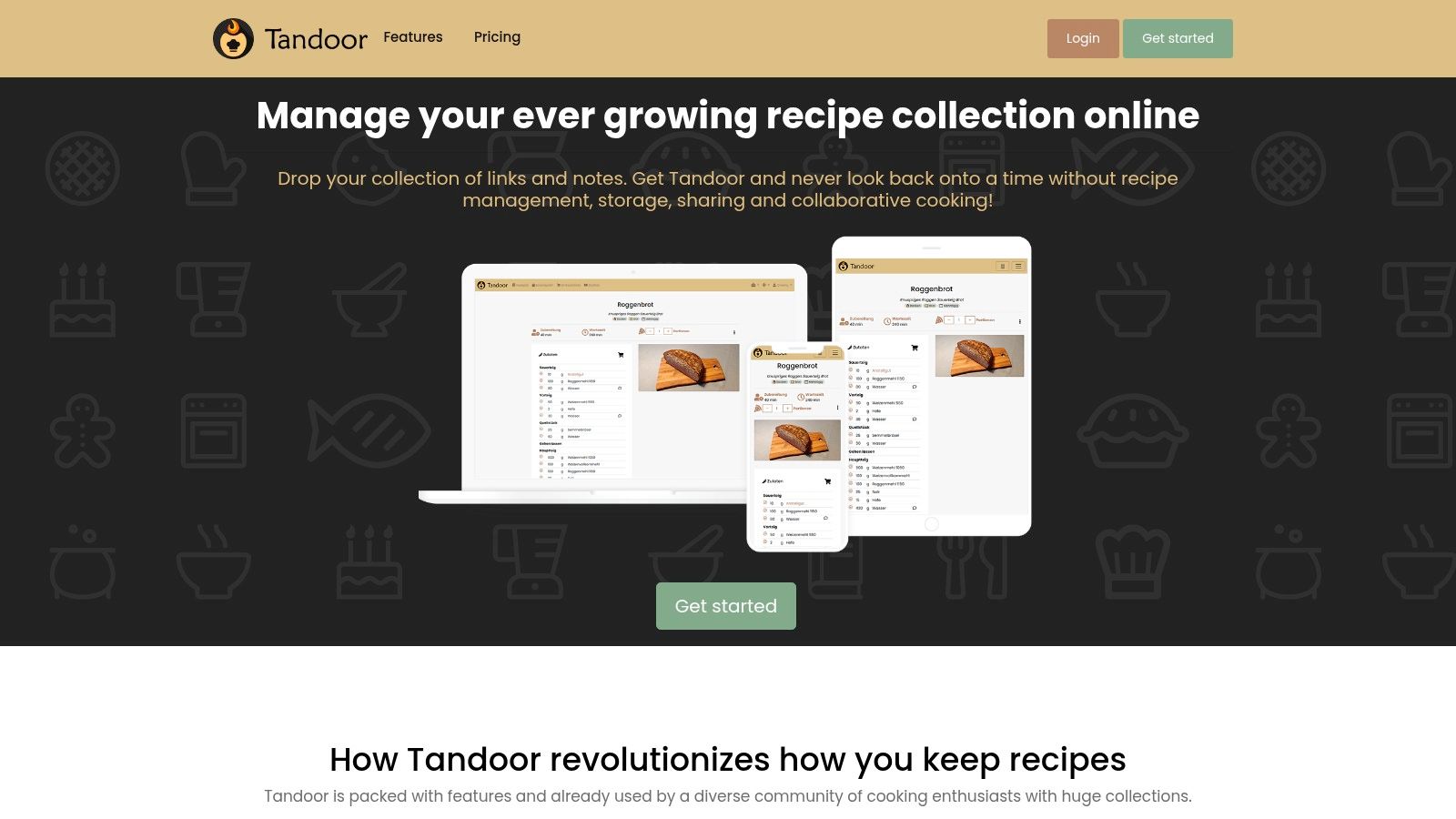
Tandoor Recipes is an open-source, self-hosted recipe manager for the technically inclined home cook who demands complete control over their culinary data. Unlike cloud-based services, Tandoor puts you in the driver's seat, letting you run your own private recipe database on a server you manage. This makes it a standout choice for privacy advocates and power users who want a customizable system without subscription fees. Its core strength is its powerful, community-driven feature set.
Key Features and User Experience
Tandoor’s web interface is clean and modern, focusing on efficient recipe management with advanced tagging and cookbook organization. It excels at importing recipes from thousands of websites and offers collaborative features for sharing access with family. The platform includes sophisticated meal planning, a dynamic shopping list, and even AI-powered helpers for recipe generation. While it lacks an official mobile app, the community has developed excellent third-party clients like kitshn.
- Best For: Power users, privacy purists, and tech-savvy cooks who want to build a permanent, self-owned digital cookbook and are comfortable with server management.
- How to Start: Requires setting up a server instance via Docker, a NAS device, or a VPS. Once installed, you can begin importing recipes and configuring third-party mobile clients.
- Heads-Up: The primary hurdle is the technical setup and ongoing maintenance, which can be a significant barrier for non-technical users. The reliance on community-developed mobile apps also means the mobile experience may vary.
Website: tandoor.dev
12. MasterCook
MasterCook is a professional-grade recipe management system that has served serious home cooks, chefs, and nutritionists for decades. It combines a powerful Windows desktop application with cloud and mobile components, offering unparalleled depth for those who need more than basic storage. The platform excels at detailed nutritional and cost analysis, making it an indispensable tool for anyone tracking dietary information, managing a food budget with precision, or developing recipes professionally.
Key Features and User Experience
While its interface leans more towards function than modern aesthetics, MasterCook provides a level of control few other apps can match. The Windows software is the core of the system, offering advanced cookbook printing, deep nutritional analysis, and recipe costing. The MasterCook.com cloud service and mobile apps for iOS and Android sync your data, allowing you to access cookbooks on the go. Its private group cookbook feature is a standout, enabling seamless collaboration with family or colleagues.
- Best For: Culinary professionals, dietitians, and dedicated home cooks who require in-depth analytics and the capacity to manage thousands of recipes.
- How to Start: Start with the Windows desktop software to leverage its full power. Use the MasterCook.com web importer and browser extension to add online recipes, which then sync to your mobile apps.
- Heads-Up: The platform’s greatest strengths are in the Windows desktop app, and the mobile app experience is more basic in comparison. The pricing structure is also higher than most consumer-focused alternatives.
Website: mastercook.com
12-App Recipe Organizer: Feature Comparison
| App | Core focus & features | Target audience | Unique selling point | Pricing model | Notable limitation |
|---|---|---|---|---|---|
| Paprika Recipe Manager | Recipe clipper, offline organizer, meal planner, pantry, grocery lists | Users wanting a mature, reliable offline recipe manager | Best-in-class recipe importer + strong offline reliability | One-time purchase per platform (cloud sync available) | Separate purchases per platform; no social features |
| AnyList | Grocery-first lists, recipe save → list workflow, shared lists, meal planner | Households and Apple-centric families | Real-time shared lists and Siri/voice integration | Freemium; AnyList Complete subscription for advanced features | Best features require subscription; limited pantry depth |
| Samsung Food (Whisk) | Recipe organizer + large catalog, Vision AI, appliance integration | Samsung users and those wanting AI personalization | AI pantry recognition and Samsung appliance tie-ins | Free core; optional Food+ subscription for advanced AI | Advanced features behind subscription; best with Samsung devices |
| Plan to Eat | Drag-and-drop meal planner, import, automated grocery lists | Privacy-minded meal planners who want simplicity | Privacy-first planner with predictable single pricing | Paid subscription (generous free trial) | No permanent free tier; limited social/discovery |
| Recipe Keeper | OCR scanning (handwritten/printed), meal planner, printable cookbooks | Users digitizing family recipes and creating print cookbooks | Excellent OCR and printable/PDF cookbook export | One-time unlock per platform (no recurring fees) | Separate purchases per platform; utilitarian UI |
| CookBook – The Recipe Manager & Planner | Social video import (TikTok/IG), AI recipe scanner, meal planner | Social-media-savvy cooks who save video recipes | Strong capture of TikTok/Instagram plus AI helpers | Freemium; subscription after free limits | Subscription required for full use; smaller community |
| BigOven | Massive recipe catalog, clipper, meal planner, nutrition tools | Users wanting a huge recipe database and low-cost Pro | Very large recipe database and affordable Pro tier | Free with ads; Pro subscription for extras | Free tier limits and ads; dated UX vs newer apps |
| Copy Me That | Web-first recipe clipper, tags, meal planning, shopping lists | Users who clip recipes from the web frequently | Generous unlimited free saving and low-cost premium | Generous free tier; low-cost Premium available | Web-centric UX; mobile app availability varies |
| Mela – Recipe Manager | iCloud sync, recipe scanning, Calendar/Reminders integration | Apple ecosystem users who value design & privacy | Clean UI, deep Apple integrations, private-by-default | One-time unlock / in-app purchase per Apple platform | Apple-only (iOS/macOS); per-platform purchase |
| Cookpad | Community recipe sharing and personal recipe box | Home cooks seeking social discovery and feedback | Large global community and regional content | Free/community-focused (some markets may have paid tiers) | Not focused on meal planning/grocery tools; UX varies by region |
| Tandoor Recipes (self-hosted) | Open-source self-hosted manager, meal planning, shopping lists | Power users, privacy purists, self-hosters | Full data ownership, highly customizable, active OSS community | Free open-source (self-hosting costs apply) | Requires technical setup and maintenance; no official native iOS app |
| MasterCook | Pro-grade desktop app, nutrition & cost analysis, print workflows | Professionals and users with very large collections | Advanced analytics, printing and collaborative cloud cookbooks | Paid (desktop-focused pricing; higher than consumer apps) | Best features on Windows desktop; mobile UX more basic |
From Recipe Chaos to Culinary Command
Choosing a recipe organization tool feels like picking a key ingredient—the right one brings everything together. We've explored a dozen powerful platforms, from the comprehensive planning of Paprika to the share-friendly interface of AnyList, and even the self-hosted control of Tandoor. Each tool offers a unique solution to turning scattered bookmarks, screenshots, and stained index cards into a functional, inspiring culinary library.
The main takeaway is that the perfect organize recipes app is deeply personal. Your ideal platform depends on your lifestyle, cooking habits, and how comfortable you are with technology. The journey from digital clutter to a streamlined culinary command center starts with knowing what you really need.
How to Choose Your Ideal Recipe App
Before committing to a subscription or migrating all your data, take a moment to think about what you need your system to do. A quick self-assessment is the most important step.
Ask yourself these questions:
- What’s my primary goal? Am I trying to perfect weekly meal planning, digitally preserve handwritten family recipes, or just find a better way to save recipes I find online? An app like Plan to Eat is great for the first, while Recipe Keeper is built for the second.
- Do I cook with others? If you share grocery lists and cooking duties, the collaborative features of an app like AnyList or Samsung Food are non-negotiable. For solo cooks, these might just be extra clutter.
- What's my budget? Are you okay with a recurring subscription, or do you prefer a one-time purchase like Paprika or a free service like Copy Me That?
- How important is data privacy? For users who prioritize complete control over their data, a self-hosted solution like Tandoor is the ultimate choice, though it requires more technical setup.
Final Thoughts on Building Your Digital Cookbook
Ultimately, the goal of an organize recipes app is to remove friction between you and the food you love. It’s about spending less time searching for that one chicken marinade recipe and more time actually cooking and enjoying your meals. It’s about transforming your recipe collection from a passive archive into an active tool that supports your culinary adventures.
Organizing recipes isn't just about digital tidiness. It’s an act of preservation, creativity, and connection. Each recipe you save is a potential memory, a future shared meal, or a comforting taste of home. The right tool will not only bring order to your kitchen but will also empower you to explore, experiment, and share your passion for food with greater ease and joy.
Is your food journey less about following recipes and more about capturing the experience? Meet Savor. It’s not an app to organize recipes, but a private food diary designed to help you document and remember every unique taste, from a Michelin-starred meal to your grandmother's secret stew. Track tastes, share discoveries with Savor. Rate like a critic.
Continue Reading
Start Tracking Your Dishes Today
Transform your food photos into a searchable, ratable culinary memory bank.
Download Savor App